Universities and engineering schools
Chemistry, biology, materials and electronics labs; manufacturing and automation workshops.
- Fume hoods
- Autoclaves
- Lathes and CNC
- Electronics
Every fume hood, lathe, autoclave, welder or computer carries a QR code; the student scans it and watches a one-to-three-minute capsule with the safe use, the guided practice and a check question. Teachers stop repeating the same explanation twenty times a semester, lab managers have evidence of who viewed what before using the equipment, and the institution reduces accidents, damaged equipment and badly done practicals.
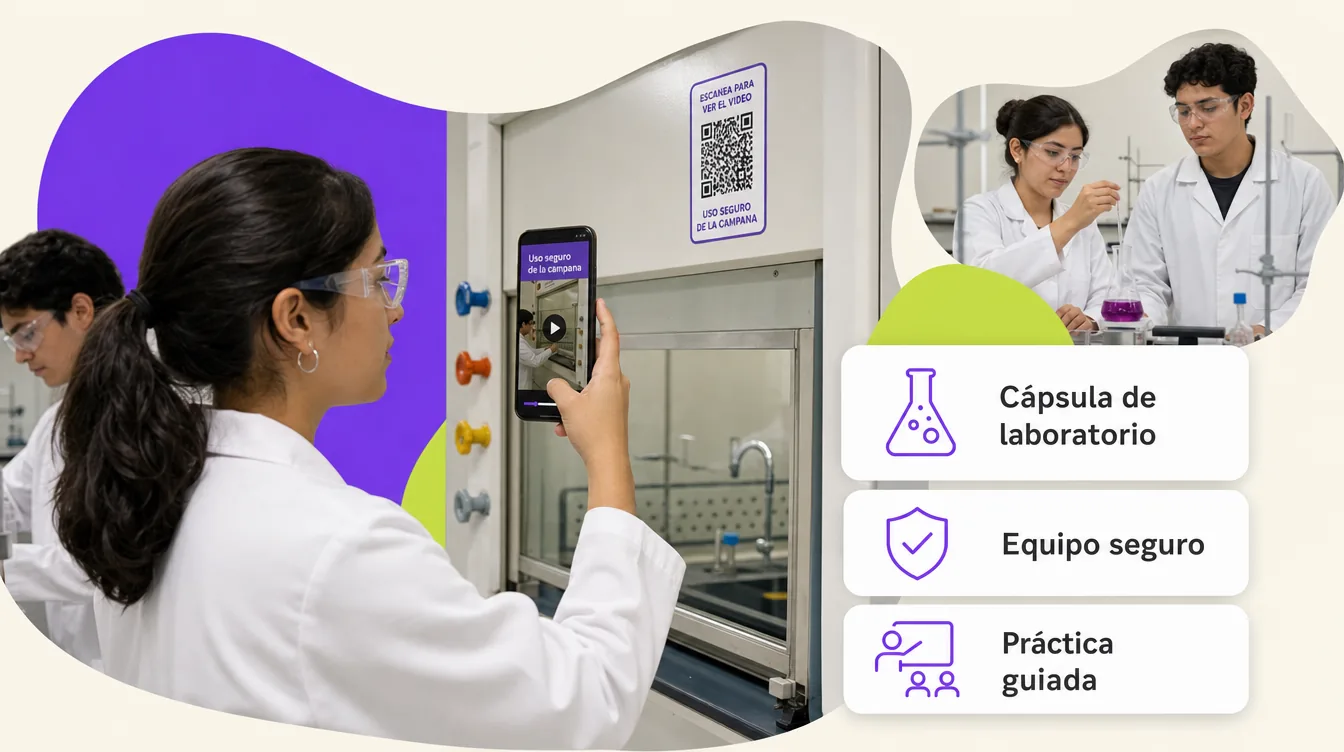
Educational QR capsules are one-to-three-minute microcapsules placed on the equipment in laboratories, workshops and classrooms: the QR code on each piece of equipment opens on the phone the safe use, the steps of the practical and a check question. Teachers assign them as flipped-classroom work and the institution records who viewed them.
Because the student receives the safety induction in the first week of the semester and uses the equipment for the first time a month later, having forgotten half of it. The teacher explains the fume hood, the centrifuge or the lathe to a group of thirty, but the practical is done in teams of three and the doubts appear with the equipment switched on. QR code capsules put the correct explanation on the equipment itself, at the moment of use: fewer accidents, less equipment damaged by misuse and practicals that start on time. They complement teacher training and the institution's platform; they do not replace them.
The walk through labs and workshops with their managers, the map of equipment and risks, the production of the capsules (filmed at your facilities with your teachers and lab technicians), the digitization of current practice manuals and regulations, QR codes on labels that resist reagents and water, lookup tracking by student, group and equipment, check questions before each practical, updates without reprinting, an AI tutor that answers questions citing the exact minute of the video, and reports for the lab manager and academic coordination. The capsules are also published as SCORM in Moodle or the institutional platform.
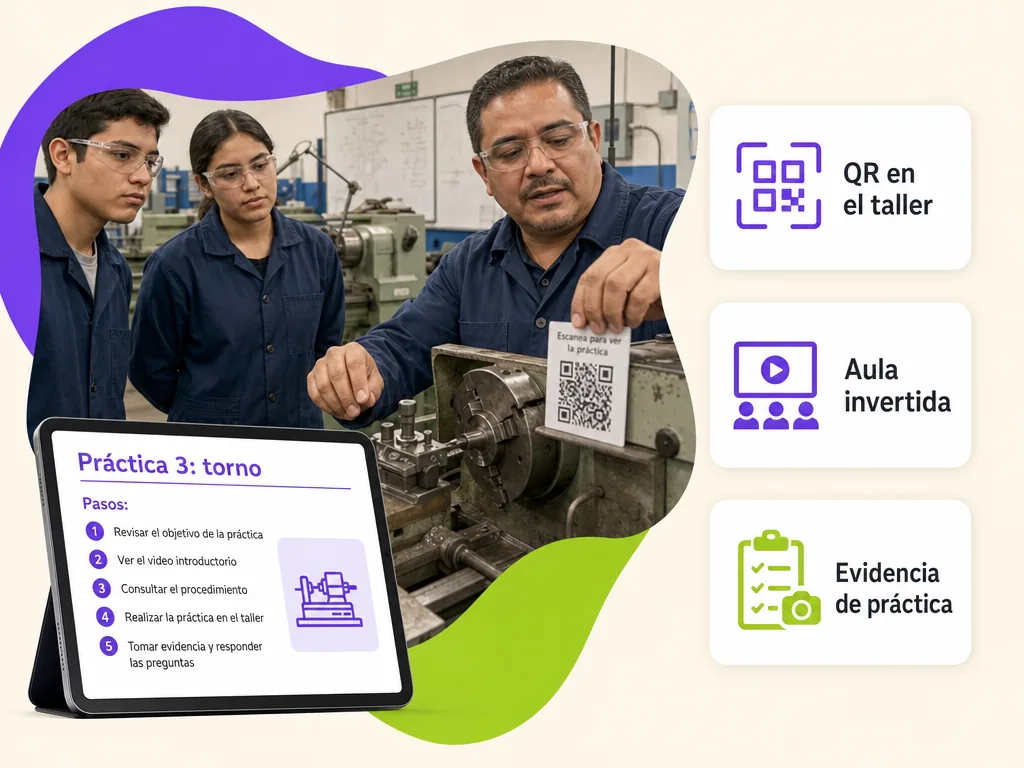
The student scans the equipment's QR code before the practical, watches the capsule and answers the check; with questions, they ask the AI tutor. The teacher assigns the capsules as prior work (flipped classroom), arrives at the practical with a group that already knows what to do and spends the session on what matters; they can also record their own capsules with our templates. The lab manager sees on the dashboard who consulted each piece of equipment, which questions fail and which equipment raises the most doubts, with evidence ready for accreditations, civil protection audits and safety committees.
We start from the practice manuals and regulations the institution has already approved.
Equipment and risk map
We walk labs, workshops and classrooms with their managers and mark the equipment where incidents happen, the ones that get damaged most and the ones that raise the most questions: fume hoods, autoclaves, centrifuges, lathes, milling machines, welding, furnaces, computers and networks.
Capsules filmed with your teachers
We film with the teachers and technicians who know each piece of equipment best: safe use, start-up and shutdown, the practical step by step and what to do in case of failure. We edit one-to-three-minute capsules with subtitles, convert practice manuals into one-point lessons and add a check question.
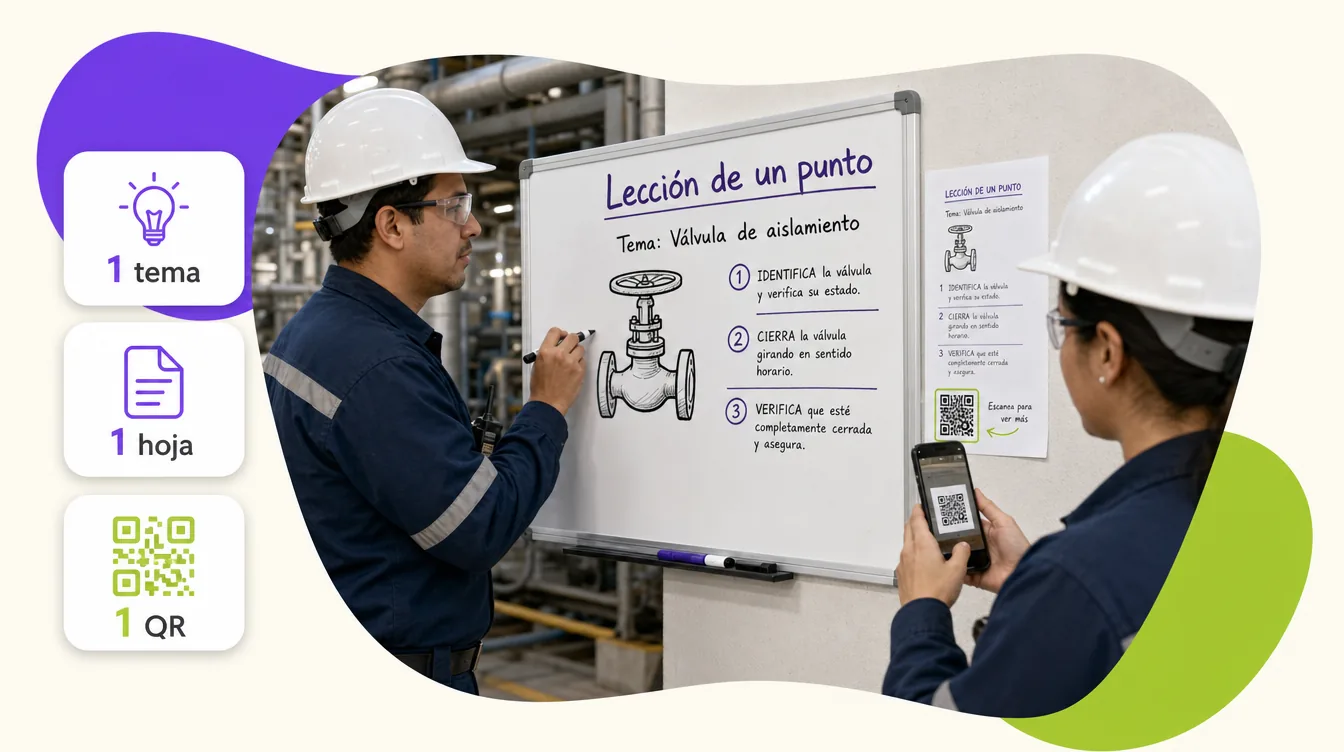
Codes on the equipment and flipped classroom
We place the QR codes on labels that resist reagents, water and oil; teachers assign the capsules from the platform as pre-practical work, and the lookup and check log is available to academic coordination and each lab manager.
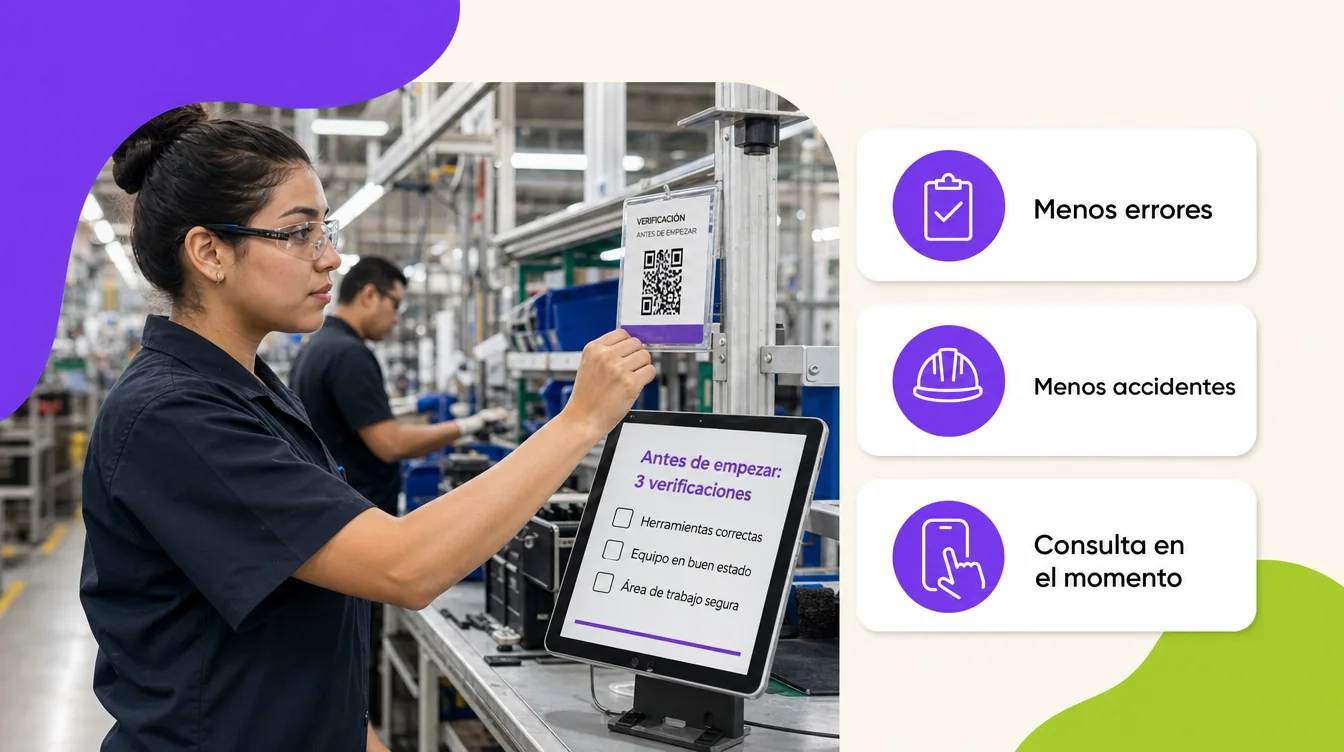
Capsules are designed for the equipment and risks of each lab or workshop.
Chemistry, biology, materials and electronics labs; manufacturing and automation workshops.
Mechanics, welding, theectrical, pneumatics and mechatronics workshops with shared teaching equipment.
Career workshops, computer labs and food and health areas.
Clinical simulators, medical equipment, hand washing, waste handling and biosafety.
Point-of-use training, evidence and less repetition.
They watch the equipment capsule before the practical and answer the check; the session starts with everyone knowing what to do.
The equipment explanation lives in the QR code; the teacher spends the practical guiding, not explaining the start-up for the tenth time.
Capsules are assigned as prior work from the platform and the teacher sees who completed them before entering the lab.
The student asks and gets an answer citing the exact minute of the video or the paragraph of the practice manual.
Lookup and check records by student, group and equipment, ready for accreditation bodies, civil protection and safety committees.
Safe use and the correct procedure are on the equipment, updated without reprinting codes.
A first lab or workshop is usually ready in four to six weeks, in time for the next semester.
Visit with lab managers, civil protection and academic coordination; list of equipment, risks and practicals per course.
QR code mapWe define with each teacher the steps, the checks and the material needed; we respect approved practice manuals and regulations.
Approved scriptsWe film in the labs and workshops with teachers and technicians; we edit capsules with subtitles and audio for noisy spaces.
Published capsulesWe place the QR codes on the equipment, publish the capsules in your Moodle or platform and train teachers to assign them.
Active QR codesWe review lookups, checks and incidents at the end of each term; we update capsules and add new equipment.
Report per labDesigned for labs, workshops and classrooms, from the phone or the lab tablet.
All three coexist; this table shows what each one solves.
| Criterion | QR capsules on the equipment | Start-of-semester induction | Printed practice manual |
|---|---|---|---|
| When it is consulted | Before and during the practical, on the equipment | Once, weeks before the practical | If the student brings it and opens it |
| Format | 1-to-3-minute video, steps and check | 1-to-2-hour talk | Multi-page document |
| Current version | Always the latest, same code | Whatever was current on induction day | Copies that go stale |
| Evidence | Lookup and check per student and equipment | Attendance list | None |
| Best for | Safe use and well-done practicals | General regulations and safety culture | Full reference and bibliography |
When the student has a question the video does not cover, they type it and the AI tutor answers based on the practice manual and the course recordings, citing the exact minute; the teacher sees which questions repeat and adjusts the capsule or the practical.
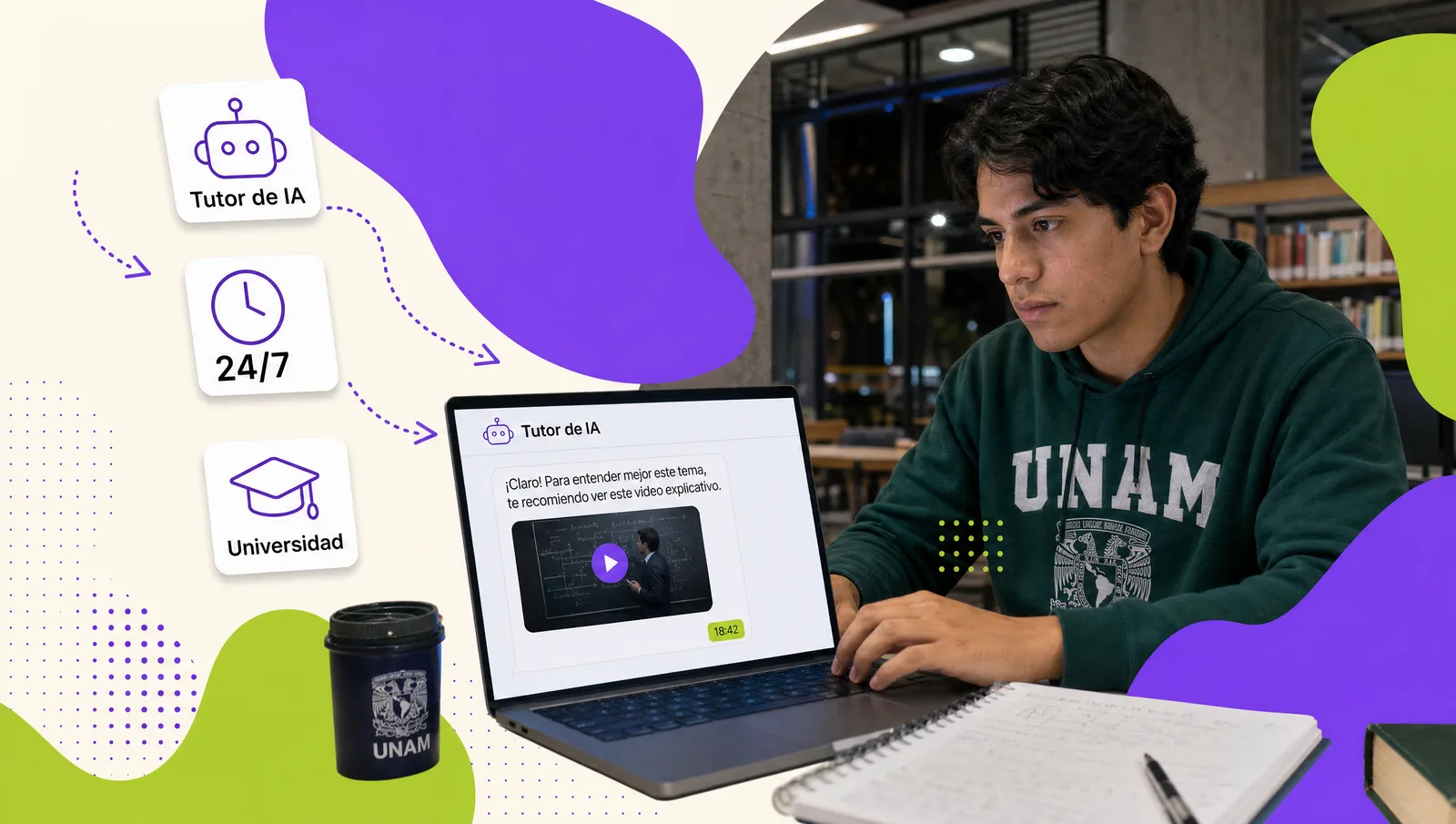
The same microcapsule system, designed for plants, warehouses and hospitals: see QR code training at the workstation and QR induction for contractors and visitors.
We train teachers to record their own capsules and use the flipped classroom with teacher training, and publish the capsules as SCORM in Moodle with our Moodle implementation.
The capsules feed the AI tutor for universities and can be credited with microcredentials in lab safety or equipment handling.
The 10 QR capsules for university labs and workshops with script and check question, how to write one-point lessons with QR codes and the checklist to digitize work instructions that works just as well for practice manuals.
Programs sized for large teams, delivered without stopping operations — and with the evidence your auditors ask for.
Update a large faculty — university and high school — on artificial intelligence and inclusive teaching, without stopping classes.
Read the full caseTrain crews spread across restaurants in several Mexican states and the United States with the same standard — and give every employee a clear view of how to grow inside the company.
Read the full caseTell us which equipment gets damaged, where accidents happen or which practical raises the most questions. We reply the same day and schedule the free walk.