Checklist to digitize work instructions with QR codes (without losing document control)
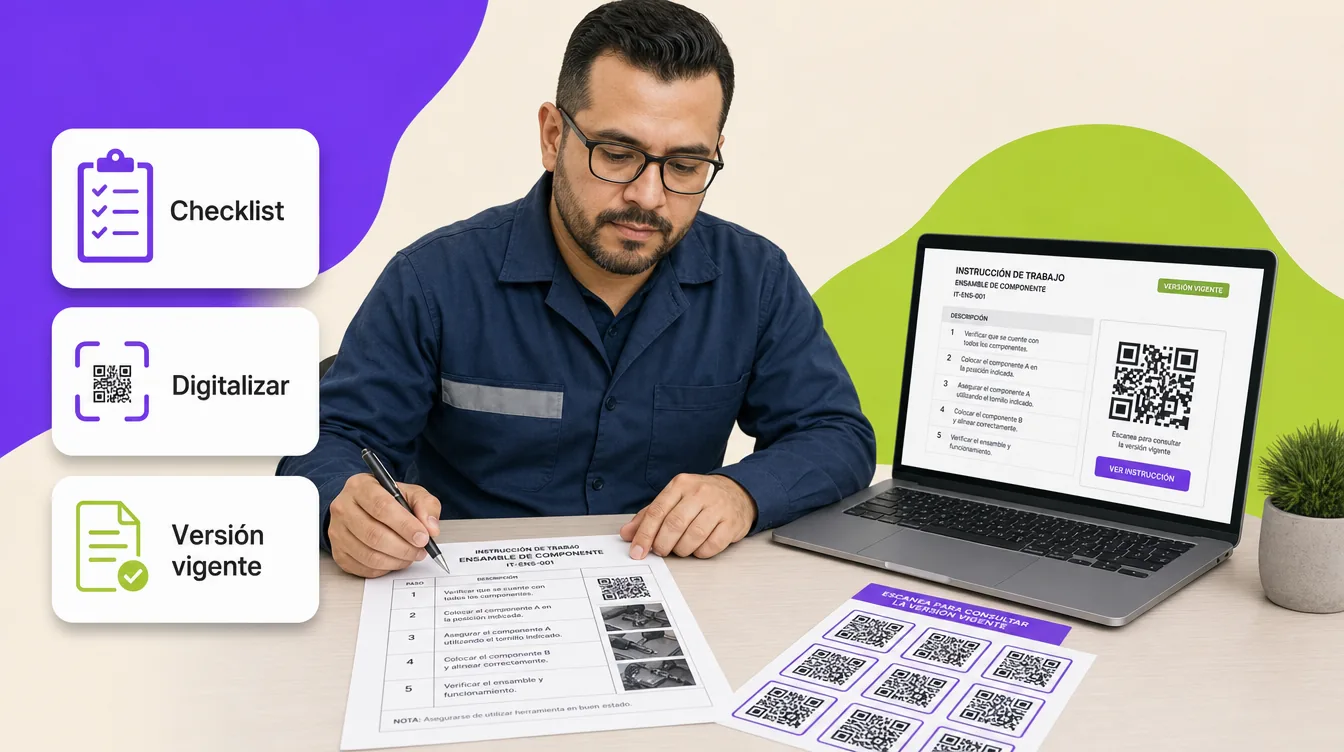
Digitizing work instructions is not scanning the binder and uploading it to the server. It is deciding which documents deserve to live on the machine, in what format, with which version and with what tracking. This 20-point checklist, written for quality, safety and training, covers everything from inventory to audit, with QR codes as the access route at the workstation.
In this article
Before starting: inventory and priority
- Inventory of current work instructions per station, with number, revision and date. What is not on the list is not digitized.
- Classify by criticality: safety, product quality and continuity of operations. Critical instructions go first.
- Cross with error data: rejects, rework and incidents from the last three months per station. Where criticality and errors overlap is your first list.
- Name an owner per instruction (usually the process engineer or the supervisor) and a document-control lead.
Format: from document to capsule
- Separate reference from training. The full procedure remains the controlled document; for the workstation, one-point lessons are derived from its critical steps.
- One capsule per critical point: a one-to-three-minute video filmed on the machine, numbered steps and a check question.
- The language of the line, reviewed by the operator who does the task best, not only by engineering.
- Subtitles always (noisy plant, phone on mute) and a version in the workforce's language, with English if your headquarters or auditors need it.
- If you start from long manuals, convert them with our AI course creation from manuals and have the owner approve each capsule before publishing.
Document control, digital
- Each capsule carries the number and revision of the work instruction it derives from, date and approver.
- Dynamic QR codes: the code does not change when the content changes; that way there are never expired labels on the floor.
- Update rule: when document control releases a new revision, the owner updates the capsule within a defined period and the system asks those who already viewed it to verify again.
- Remove the obsolete: old printed copies off the floor the same day the new capsule is published.
Placement on the floor
- One code per point, less than a meter from where the decision is made and at eye level.
- Industrial label (polyester or laminated vinyl, resistant to grease, water and solvents) at least 4 × 4 cm with text saying what it opens; in washdown areas, acrylic holders.
- A plan for those without a phone: area or supervisor tablet, screens at critical stations and downloaded capsules for areas without signal.
Tracking, training and audit
- Lookup log per person, station, capsule, date and version; it is distribution and training evidence for the STPS training plan.
- Recorded verification: each capsule's question and, at critical stations, a micro-drill before the shift.
- Grouping into courses for DC-3 certificates: a station's capsules, with objectives, hours and assessment, are registered as a course.
- Monthly review of lookups, failed questions and quality and safety indicators; adjust capsules and add points. And in an audit, show the traceability: instruction, revision, capsule, lookups and checks.
Summary in one table
| Stage | Deliverable | Who approves |
|---|---|---|
| Inventory and priority | List of critical instructions with an owner | Quality and safety |
| Format | 1-to-3-minute capsules with a check | Instruction owner |
| Document control | Number, revision, dynamic codes and update rule | Document control |
| Placement | Codes on the floor with industrial labels | Production |
| Tracking and audit | Lookups, checks and DC-3 courses | Training and HR |
If you want to go through this list with someone who has already applied it in footwear, automotive and food plants, the QR code training at the workstation page explains how we run the assessment, the filming and the tracking; to compare options before deciding, read QR code versus procedures binder, and for school labs and workshops, the version for universities and schools.
Want to bring this to your team?
Your work instructions can be on the machine in a few weeks. Message us on WhatsApp, fill out the contact form or open this site's live chat: we send a proposal with three scope options and a closed price in under 24 business hours, with the DC-3 certificate and Geedle Bot included. The full program is at QR code training at the workstation and the catalog at training courses for companies.