Meta Pixel Saltar al contenido
Learning path

Data analysis learning path: from Excel to Power BI

A 104-hour program that takes your team from typing numbers into Excel to publishing Power BI dashboards with security by area. Seven courses in order, each with its DC-3 certificate, so nobody jumps into DAX without mastering pivot tables or stays in Excel when they already need a data model. Hire the whole path or join at the level your team already has.

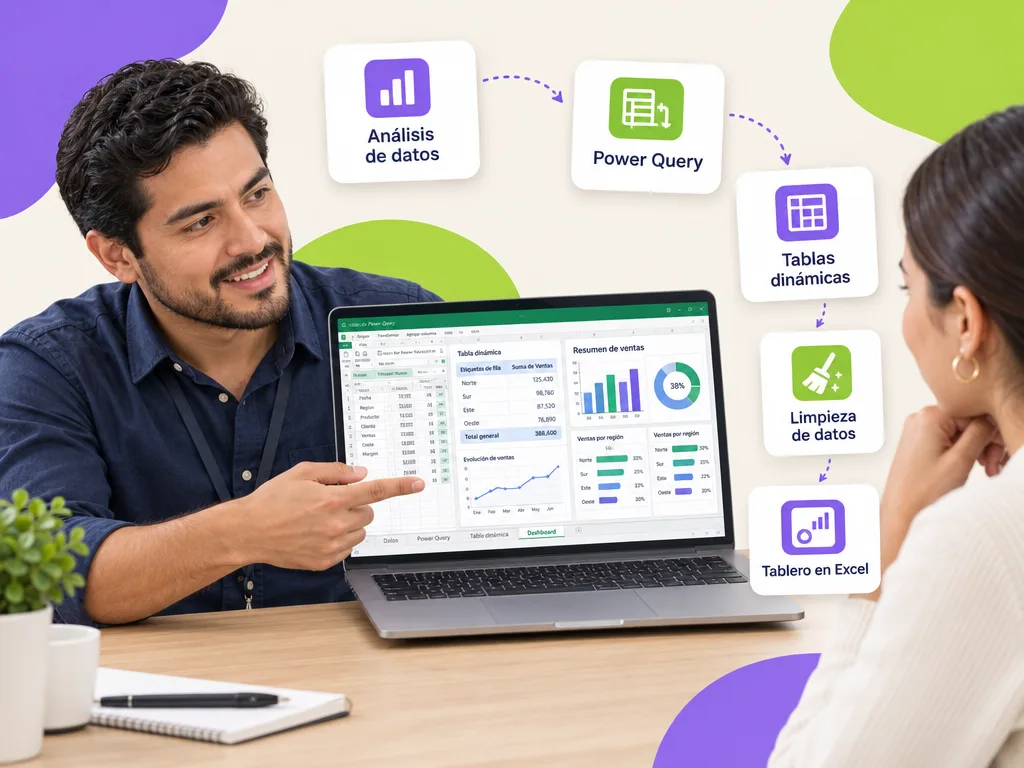
Coordinator showing on a laptop a data analysis dashboard built in Excel with Power Query and pivot tables

What is the data analysis learning path?

It is the recommended sequence of our data courses for a company, university or agency that wants to train analysts from its own staff: three Excel levels (basic, intermediate and advanced), the data analysis with Excel course that teaches the method (clean, explore, compute indicators and communicate) and the three Power BI levels. Each course is independent and issues its certificate; the path adds an initial diagnostic per person, a running project with your operation's data that grows from course to course and a progress report for management. At the end, the team publishes real dashboards and documents its model and measures.

Path sheet

The essentials at a glance.

Total duration

104 hours

Courses

7 chained courses

Formats

Live virtual · On-site · Self-paced

Certificate

DC-3 · STPS

Learning path

The courses in the path, in order

104 hours in total. Each course issues its own DC-3 certificate; hire the whole path or start at the level your team needs.

  1. Excel basic course

    An Excel basic course for the staff who enter, look up or deliver information in spreadsheets and still do by hand what a formula solves. In 12 hours your team masters the sheet, formats, the essential functions (SUM, AVERAGE, IF, COUNTIF), tables with filters, charts and correct printing. No prerequisites: just knowing how to use a computer.

    12 hours
  2. Excel intermediate course

    An Excel intermediate course for people who already use formulas and filters and spend hours matching lists, cleaning text and building the same summary every week. In 16 hours your team masters XLOOKUP and INDEX/MATCH, text and date functions, data validation, pivot tables and charts and protecting shared files, with the real reports from your operation.

    16 hours
  3. Excel advanced course

    An Excel advanced course for people who already master pivot tables and XLOOKUP and want reports to build themselves. In 16 hours your team automates cleaning with Power Query, solves with dynamic array formulas (FILTER, UNIQUE, SORT, LET) what used to need helper columns, relates tables in the data model with Power Pivot, builds dashboards and records macros that run the weekly close with one click.

    16 hours
  4. Data analysis with Excel course

    A data analysis with Excel course for staff who already master the tool and still do not know what to do with the data: what to clean, which question to answer, which indicator to compute and how to tell it. In 16 hours your team learns the full method —ask, clean, explore, compute, communicate— with Power Query, pivot tables, Power Pivot and dashboards, on a real dataset from your operation.

    16 hours
  5. Power BI basic course

    A Power BI basic course for teams that report in Excel today and have never opened Power BI Desktop. In 12 hours they connect their own files, clean the data with Power Query, build a simple model that does not break, write their first DAX measures and publish a dashboard that refreshes on its own. No technical prerequisites: using Excel at work is enough.

    12 hours
  6. Power BI intermediate course

    A Power BI intermediate course for people who already publish dashboards and hit the same walls: measures that return odd numbers when filtered, models that get slow and reports that cannot compare periods. In 16 hours your team masters CALCULATE, time intelligence, the star-schema model and Power Query queries that combine several sources, and redesigns a real dashboard from your operation.

    16 hours
  7. Power BI advanced course

    A Power BI advanced course for the team that already maintains the company-wide dashboards and needs them to scale: models that answer in seconds with millions of rows, DAX measures that do not break as they grow, row-level security by branch or area, scheduled refreshes that do not fail and a tidy Power BI service with workspaces, apps and data lineage.

    16 hours
01

Why a path and not stand-alone courses?

Because order matters: whoever enters Power BI without mastering pivot tables and lookup functions gets frustrated at the data model, and whoever stays in Excel with millions of rows loses hours every week. The path sets each person's entry level with a diagnostic, avoids paying for extra levels and keeps the same project with your data from start to finish, so learning shows on the job from the first course.

02

How is it scheduled?

The full path usually takes four to six months with one or two sessions per week in live virtual format, or on-site two-day blocks per course. People who already master a level join at the next one; those who need reinforcement repeat modules in the self-paced format at no extra cost. Each course closes with its deliverable, assessment and DC-3 certificate, and the platform keeps all the records for the STPS.

03

What does the path deliver at the end?

Analysts trained within your own workforce, a documented data model with a measure catalog, dashboards published with security by area and the consolidation process automated with Power Query. Management receives a progress report per person and course, and the team keeps Geedle Bot to solve formula, DAX or publishing questions with the exact minute of each recording.

For companies, universities and government

01

For companies

Finance, sales, operations and HR train their own analysts without hiring externally: each course solves a real report from the area and the path ends with published dashboards. You will also see it in the courses for manufacturing and industry.

02

For universities

Planning, registrar and finance areas that consolidate institutional indicators from several faculties and publish them with security by unit. It is part of the courses for university administrative staff.

03

For government

Planning, evaluation and comptroller liaisons who move from Excel registries to program and budget indicator dashboards, with a DC-3 certificate per public servant in each course. It is within the courses for government and the public sector.

Want to train analysts from your own staff?

Message us on WhatsApp, request a proposal or open the chat: we send the level diagnostic and three scope options for the path in under 24 business hours.

Case studies

Projects we have already delivered

Real projects told with facts, not promises.

Corporate university

A gamified corporate university for a sushi restaurant chain in Mexico and the US

Train crews spread across restaurants in several Mexican states and the United States with the same standard — and give every employee a clear view of how to grow inside the company.

Read the full case
  • One team from start to finish. Pedagogy, design, development and consulting — nothing critical subcontracted.
  • Fixed price, no surprises. A proposal with three scopes and a closed price for each. You choose the size of the step.
  • We listen before we quote. A free, no-strings assessment: you keep a useful report even if we don’t work together.
Participant asking Geedle Bot on a laptop at night; the agent replies with minute 42:15 of the course recording
Artificial intelligence

An AI agent supports every participant during and after the course

Geedle Bot is trained on the syllabus, materials and recordings of your course. Participants ask in plain language and get an exact answer, not a generic one.

  • Knows every detail of the course: dates, syllabus, deliverables and certificate criteria
  • Solves problems in real time, at any hour, from Moodle, WhatsApp, Teams or Slack
  • Delivers the exact minute and second of the recording where the instructor explained the topic
  • Reinforces what was covered with summaries and review questions, and escalates to the instructor when needed
  • Shows HR which topics raise the most questions so the course can be adjusted

Which format suits each course?

All of them issue a DC-3 certificate and leave records on the platform; what changes is how people practice and how the calendar is organized.

Live virtualOn-site at your companySelf-paced on the platform
Ideal forTeams across several sites or remoteHands-on practice, team dynamics and brigadesRotating shifts and large workforces
InteractionLive instructor, breakout rooms and real casesInstructor in the room, role-plays and practice with equipmentMicrolessons, challenges and automatic assessments
Typical duration2-to-4-hour sessions on different days4-to-8-hour days2 to 4 weeks at your own pace
RecordsAttendance, participation and assessment on the platformRoster, assessment and photo evidenceProgress, grades and time on the platform
Questions between sessionsGeedle Bot 24/7Geedle Bot 24/7Geedle Bot 24/7
CertificateDC-3 with the STPSDC-3 with the STPSDC-3 with the STPS
FAQ

Frequently asked questions about the path

Get a quote for the data analysis path for your team

Tell us how many people, what level they think they have and on which dates. We reply the same day with the diagnostic and three scope options, free and with no commitment.

★

Enter the VIP Zone

Geedle clients only. No passwords: we send a code to your email.

or

Not a client yet? Request your free diagnosis · Privacy notice