


Manufacturing and logistics
Forklift and machinery operation, lockout-tagout, pre-use inspections and plant tours for new staff.
- Forklift
- LOTO
- Machinery
- Onboarding

Platforms
Course production
Online course production
From content to SCORM, in your city
Instructional design for courses
Objectives, script and storyboard
Course content design
Writing, scripts and graphic design
Gamified courses
End-to-end SCORM production
Interactive videos
Decisions and assessment in video
Learning objects
Interactive micro-content
Moodle Plugins
Artificial intelligence
ISO 9001 — Quality
ISO 14001 — Environmental
ISO 45001 — Safety
ISO services
Formats
Learn
Try eight working scenarios right now: drive through a warehouse, perform CPR, fight a fire, lock out a panel, run a titration, tour a company or handle an upset customer. No headsets, no installs. Then we build yours with your area, your procedure and your LMS.
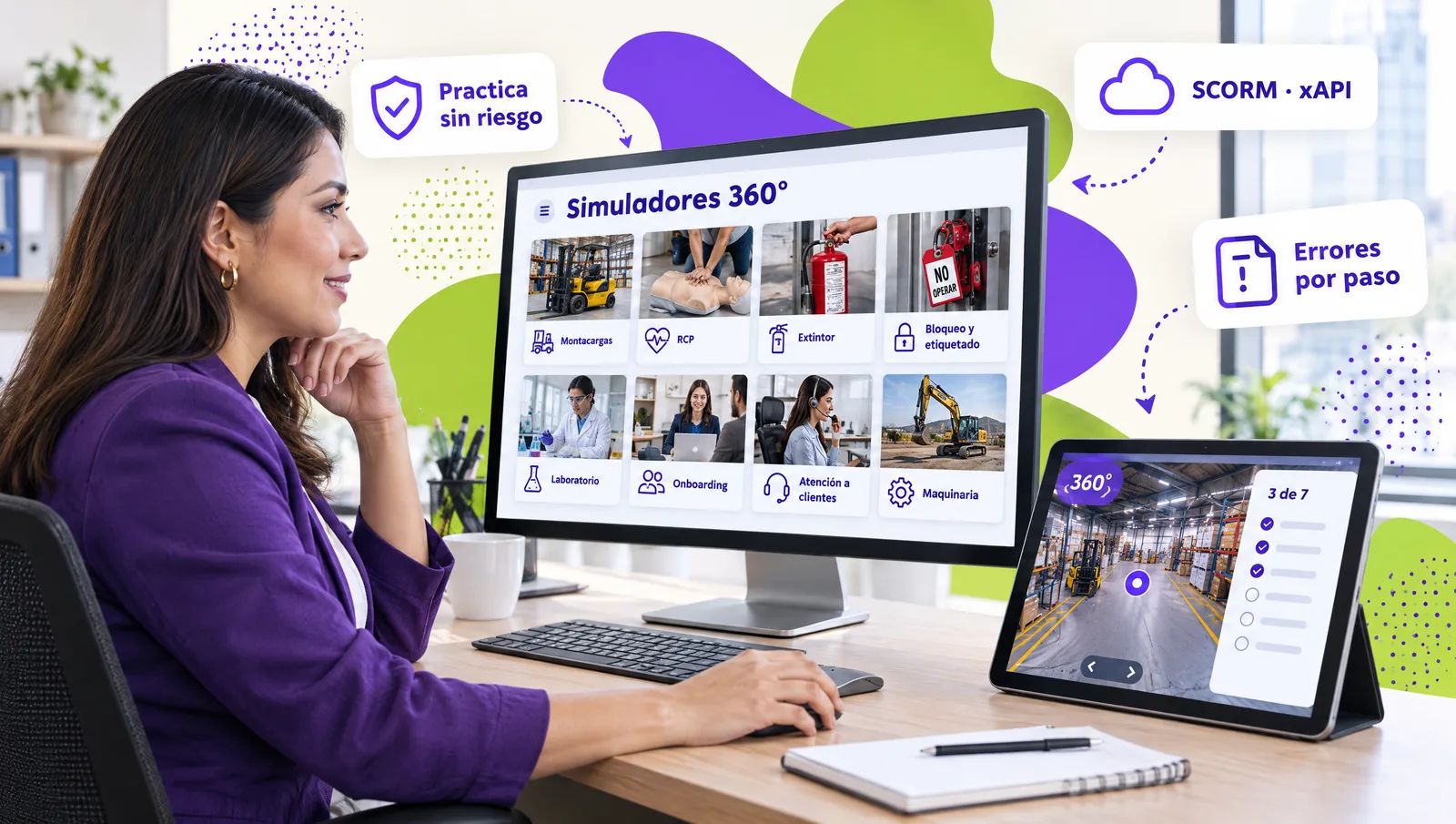
Training simulators are interactive scenarios where a person practices a real procedure in a safe virtual environment: a virtual tour of the area reproduced in 360°, a machine with its controls, an emergency or a customer conversation. The learner looks around, makes decisions and gets immediate feedback, and the system records every action: sequence, errors per step, attempts and time. Unlike a video or a sliofck, a simulator measures what the person does, not only what they read, and it works on any computer, tablet or phone without virtual reality headsets.
Each one runs in the browser as a live demo. In a real course they are delivered as SCORM or xAPI packages so your LMS reports progress, attempts and errors.
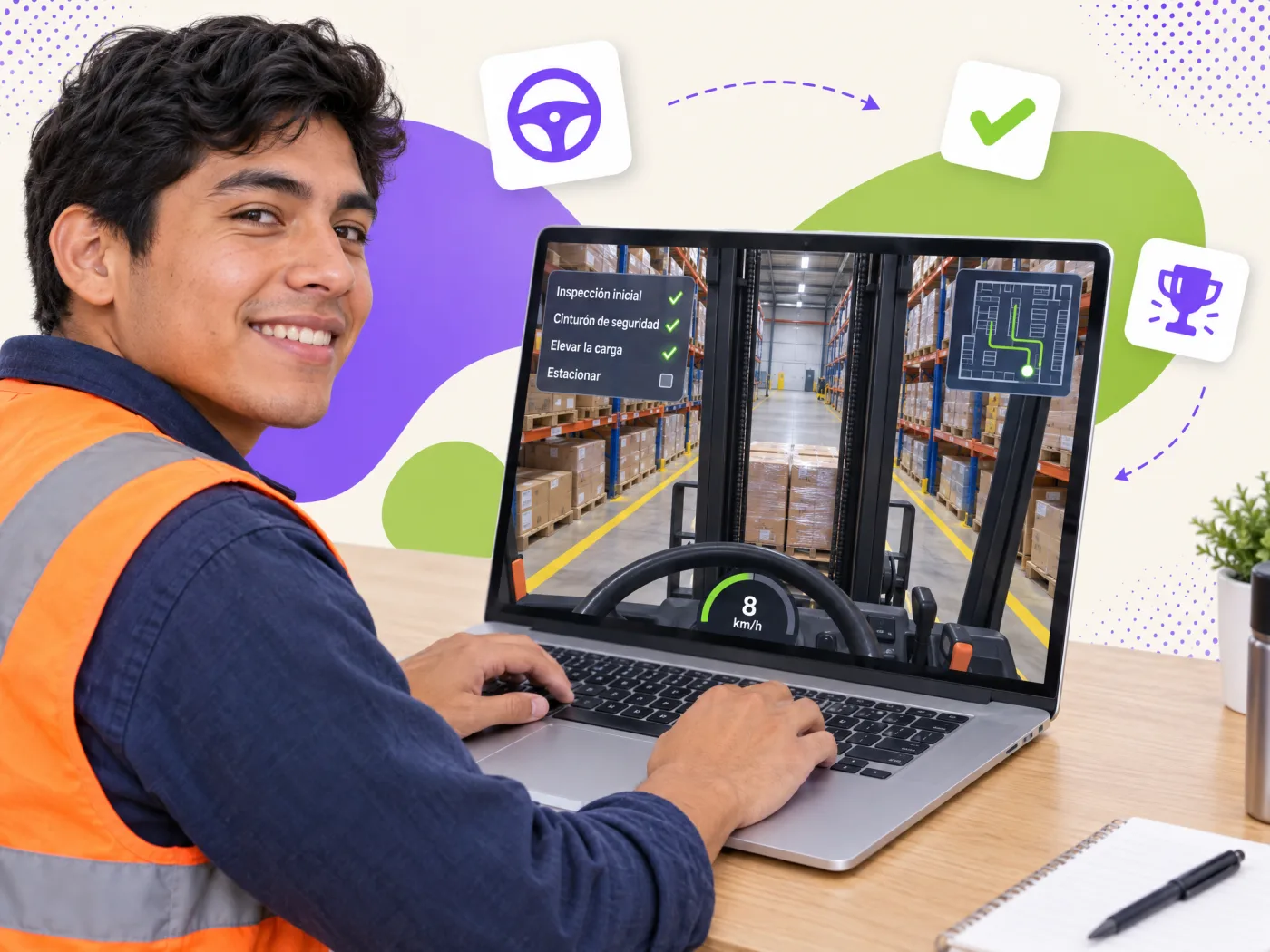
Really drive it: steering wheel, accelerator, reverse, forks and horn with sound. Pick up a pallet, stop at the intersection and bring it to the dock without a crash.
Try the simulator →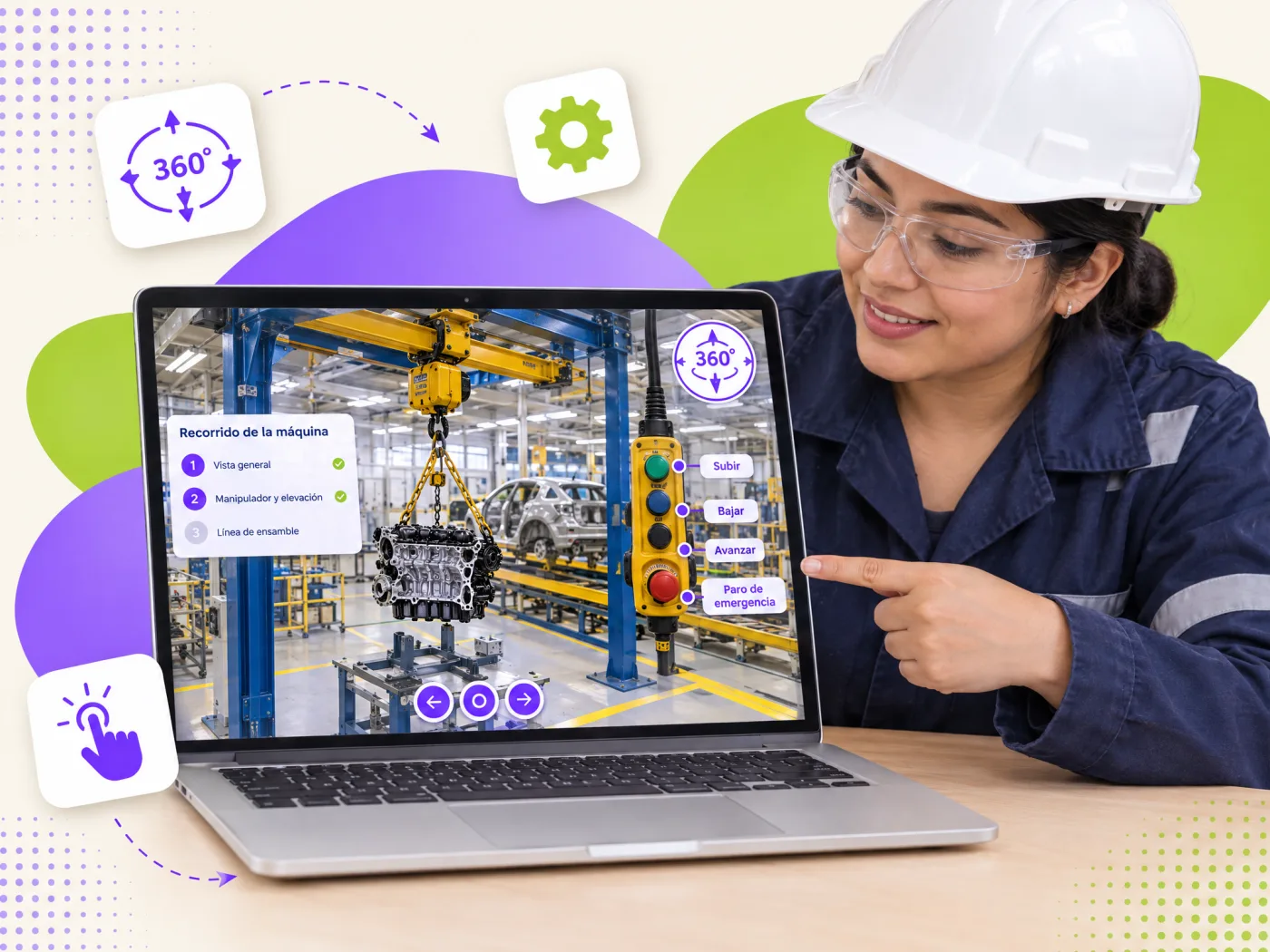
The real cell in 360°: every button explained, the lifting cycle simulated in 3D and safety interlocks that stop a wrong move.
Try the simulator →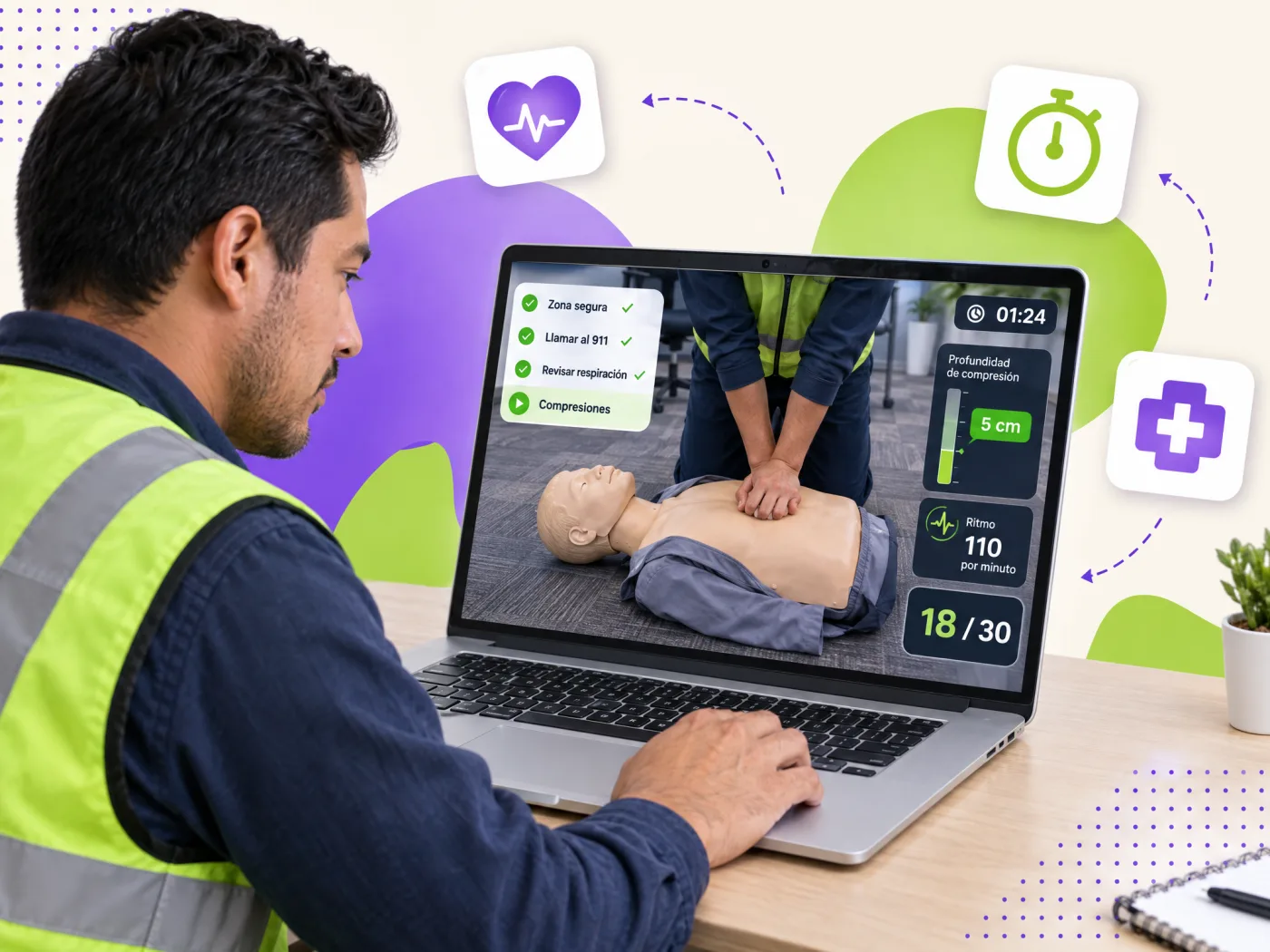
Safe scene, call, check and compress: 30 compressions with a rhythm meter and the AED, in the order that saves lives.
Try the simulator →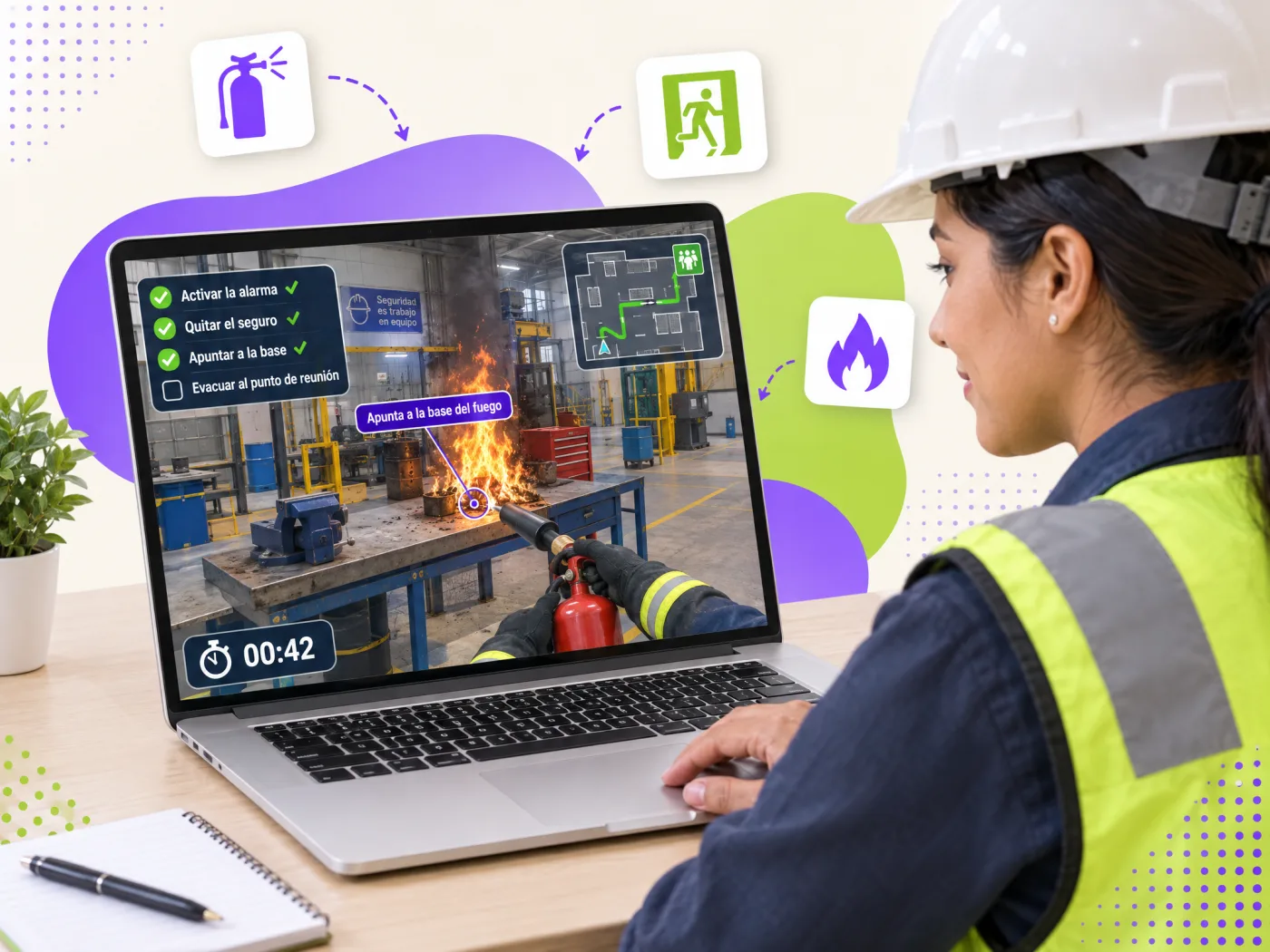
PASS technique with the extinguisher, the decision to evacuate and the route to the assembly point, no elevator and against the clock.
Try the simulator →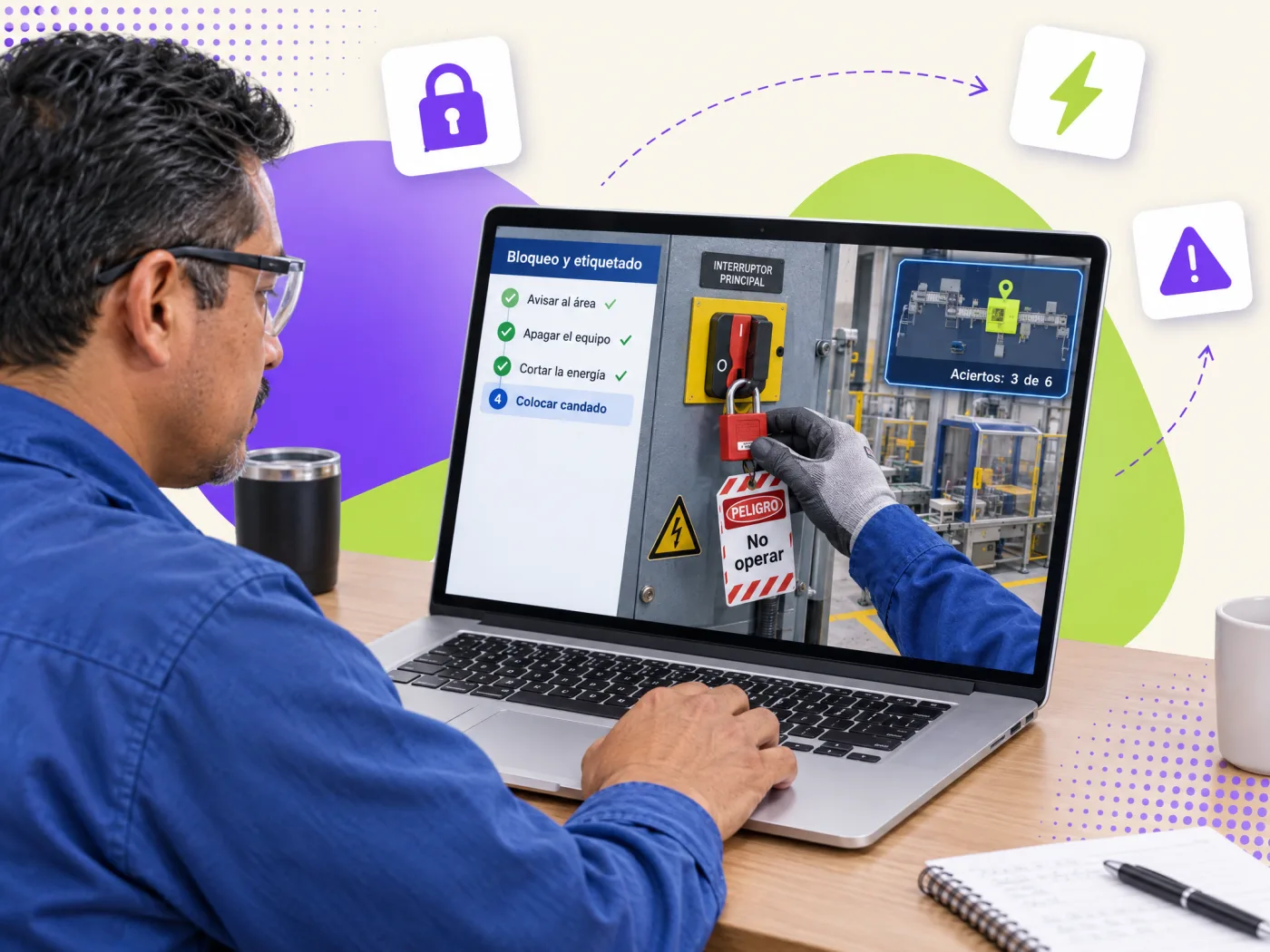
Notify, shut down, isolate, lock, tag and verify zero energy. An out-of-sequence step is an error that gets recorded.
Try the simulator →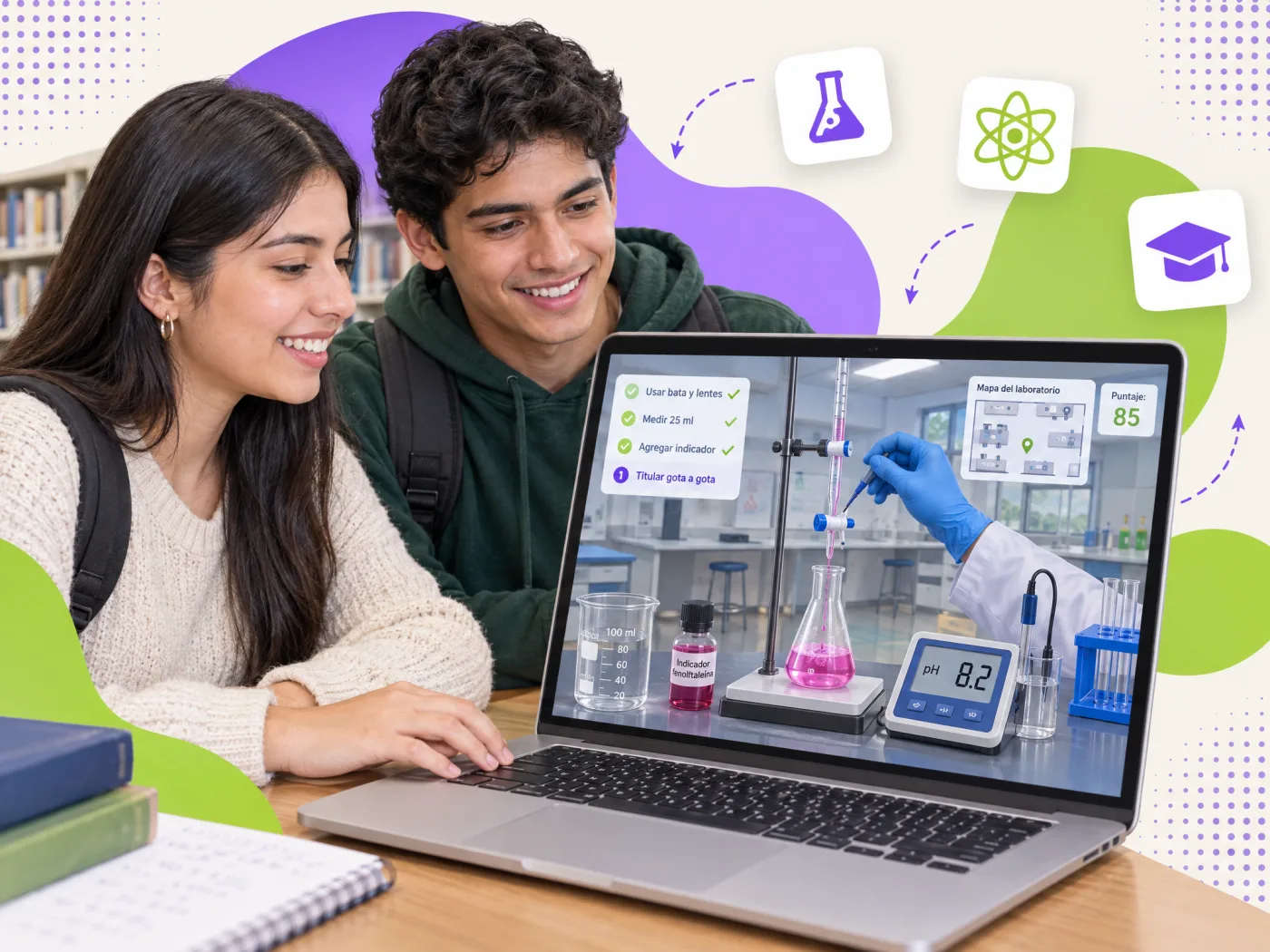
An acid-base titration from start to finish: PPE, glassware, equivalence point and record keeping, with as many attempts as the student needs.
Try the simulator →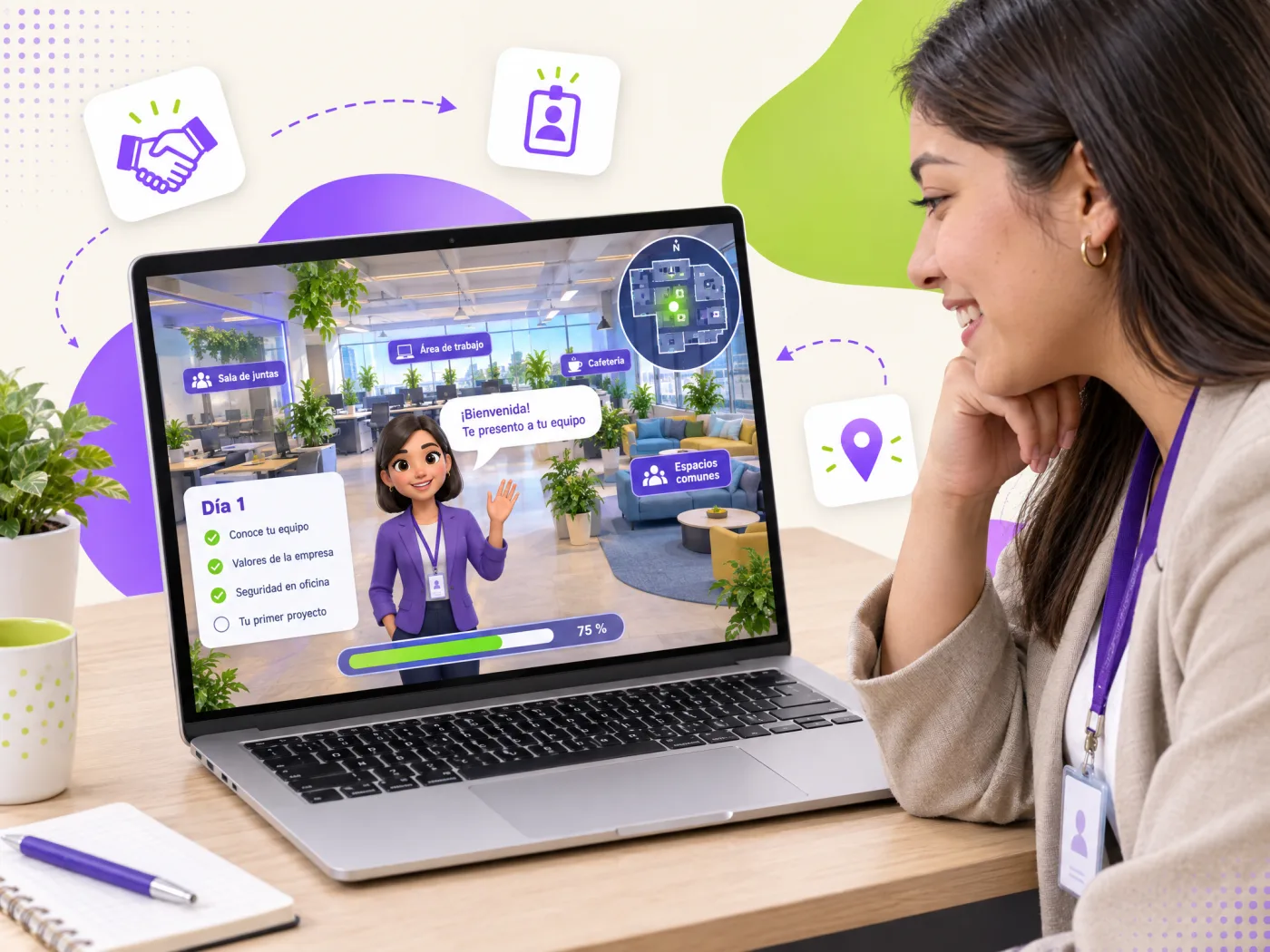
A 360° tour of the company with a guide: reception, team, safety and culture, with questions that confirm what was learned on day one.
Try the simulator →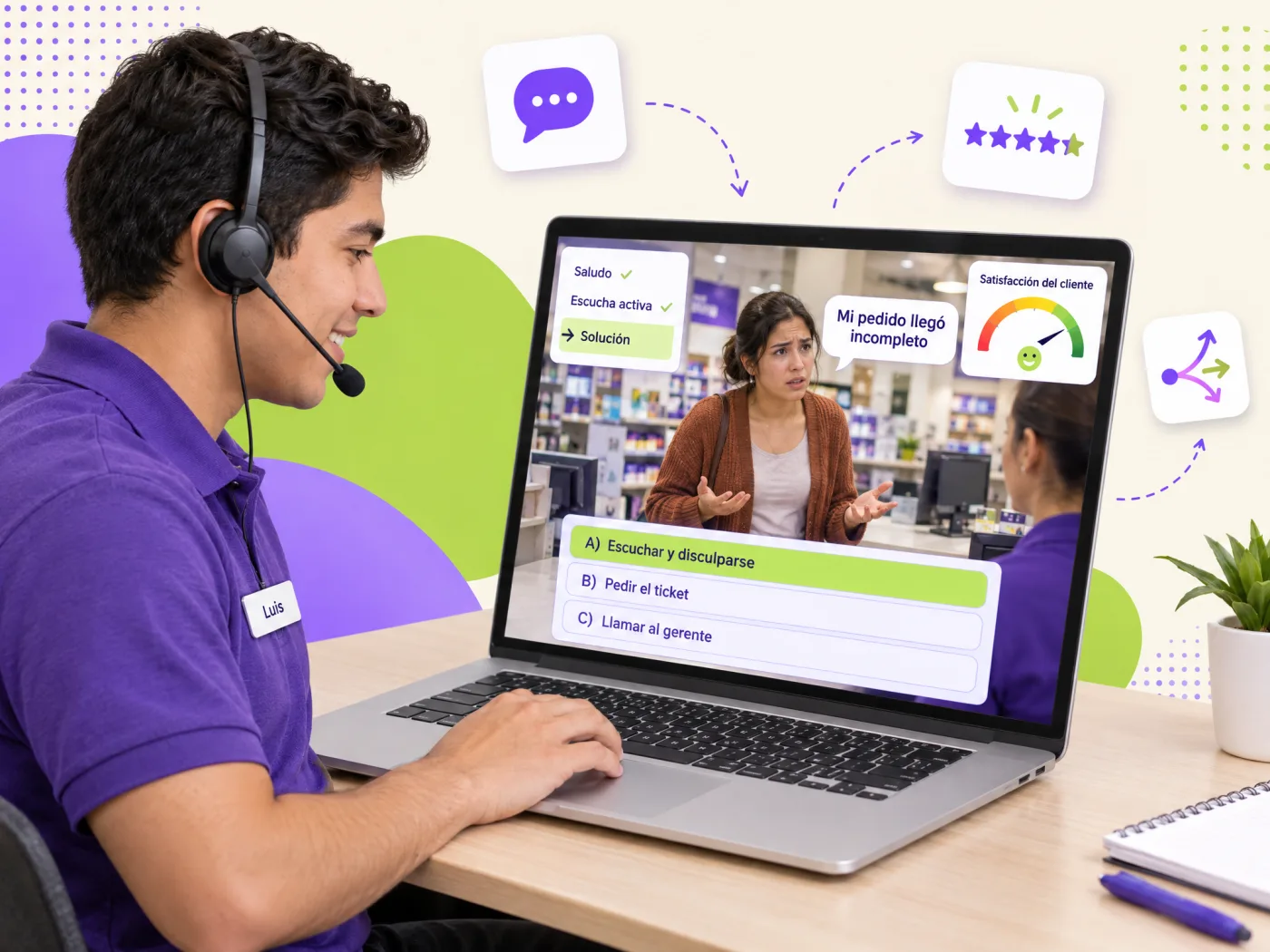
An upset customer, five decision points and a satisfaction meter that reacts to every answer. That is how service gets practiced.
Try the simulator →What a classroom or a video cannot give you.
Mistakes happen in the simulator, not on the forklift, the electrical panel or in front of a customer. Each error is explained and counted, not suffered.
Sequence, errors per step, attempts and time per learner. With xAPI, every click reaches your LMS as a record you can audit.
No machine downtime, no travel, no instructor per group. The same scenario trains 20 or 2,000 people with identical quality, as many times as needed.
Industrial safety, LOTO, forklift operation and brigade training generate evidence for audits and DC-3 certificates in Mexico.
WebGL in the browser: computers, tablets and phones. If you already own VR headsets, the same scenario can be prepared for them.
360° photos of your area, your checklist and your rules. The simulator teaches what your expert would teach, with the same words.
Scenarios we build most often, by sector.
Forklift and machinery operation, lockout-tagout, pre-use inspections and plant tours for new staff.
Fire extinguishers, evacuation routes, first aid and CPR for brigades, with the sequence that regulations require.
Virtual labs for chemistry, physics or biology and clinical scenarios with unlimited attempts and no reagents.
Branching conversations with difficult customers, onboarding tours and role-play with a satisfaction meter.
Tell us about it and we send you three scope options with a closed price. Reply the same day.
Not every procedure needs a simulator. This is the rule we use to recommend.
| Procedure video | 360° tour with hotspots | Interactive simulator | |
|---|---|---|---|
| The learner… | Watches | Explores and consults | Operates and decides |
| Best for | Knowing a process | Area induction, locating risks and equipment | Practicing a maneuver with rules and consequences |
| What is measured | Whether it was watched | Which hotspots were viewed and the answers | Sequence, errors per step, attempts and time |
| What we need from you | Script and recording | 360° photos of the area | Procedure, photos and the expert |
| Production effort | Low | Medium | High |
Five phases with a deliverable you approve in each one.
360° photos and video of the area, the current procedure and an interview with the expert.
Deliverable: technical scriptTarget behavior, critical decisions, frequent mistakes and the feedback for each one.
Deliverable: storyboard and decision treePanoramas with hotspots, or the machine modeled when its movement must be simulated.
Deliverable: navigable scenarioSteps, interlocks, checklist, score and the xAPI events that will reach your LMS.
Deliverable: working simulatorSCORM or xAPI tested on your platform and a pilot with real staff before launch.
Deliverable: published package and reportA simulator performs best inside a course: first the why, then the practice, then the assessment. See our online course production and the instructional design that defines what gets practiced.
If you have nowhere to publish it yet, we handle the LMS implementation and leave attempt and error reports ready for your managers. Moodle plugins automate enrollment and certificates.
For industrial safety, see corporate training with DC-3 certificates and close every program with verifiable micro-credentials.
Tell us the procedure, how many people and which LMS you use. We reply the same day with three scope options.