Moodle vs commercial LMS for companies: control, cost, integrations, and performance
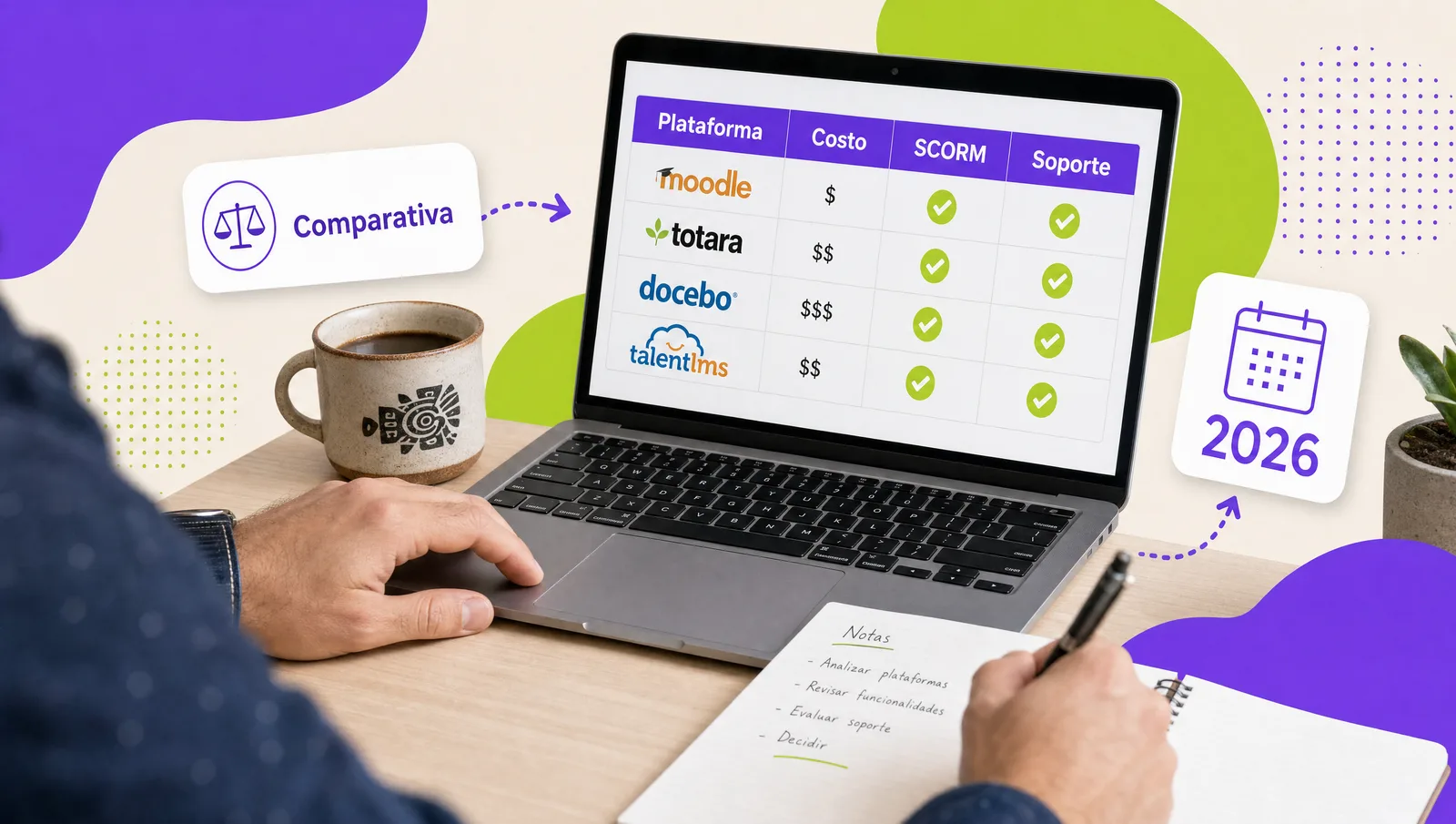
Moodle is the most widely used open-source LMS in the world, and commercial subscription LMSs are its most visible alternative in the corporate market. We compare both on what matters to a company: data control and ownership, customization, license cost, integrations with HR and SSO, performance with Redis and Nginx, security and updates, and the cases where a commercial LMS really is the better choice.
In this article
- Moodle or a commercial LMS? The short answer
- Data control and ownership
- Customization and branding
- License cost
- Integrations: HR, SSO, SCORM, and API
- Performance: Redis, Nginx, and PHP-FPM
- Security and updates
- When a commercial LMS is the better choice
- Comparison table: Moodle vs commercial LMS
- Want to see the e-learning platform running under your brand?
Moodle or a commercial LMS? The short answer
Moodle suits the company that wants to control its platform: its own data, full branding, custom integrations, no per-user license, and the freedom to grow without the invoice growing too. A commercial LMS suits those who need to launch in days with generic courses, have a small team, and prefer not to manage any implementation. The choice is not ideological: it depends on how many users you will have, whether you produce your own courses, whether you need evidence for the STPS, and how much customization you want. The sections below compare both models criterion by criterion.
One important clarification: "Moodle" by itself is software; the company's experience depends on how it is implemented. A default Moodle on shared hosting looks nothing like one implemented with a custom theme, gamification, Redis, and Nginx. This comparison assumes a professional Moodle implementation.
Data control and ownership
With Moodle, the database, the courses, and the progress records are yours and live on the server you choose, in Mexico or wherever your data policy requires. You can export, audit, and connect them to other systems without asking permission. On a commercial LMS, data sits on the vendor's infrastructure under its terms: exporting is possible, but in the format and with the limits the vendor decides, and leaving the platform means negotiating the exit.
Customization and branding
Moodle allows a full theme with your identity, your own domain, a department and role structure, dashboards by role, and plugins for whatever does not exist yet. That is why corporate universities are usually built on it. Commercial LMSs offer logo, colors and, on higher tiers, a custom domain; the structure and flows are the vendor's. If your training has particular rules (prerequisites by role, certificates with an internal format, redeemable incentives), Moodle absorbs them; the commercial LMS asks you to adapt to it.
License cost
This is the most tangible difference. Moodle charges no per-user license: the cost is implementation, hosting, and support, and it stays fixed with 200 or 2,000 employees. Commercial LMSs charge a fee per active user, monthly or yearly, that grows with every hire and every vendor price increase. For a company that wants to train its whole workforce, frontline staff and distributors included, the subscription ends up as the dominant line item. We break it down in how much an e-learning platform costs.
Integrations: HR, SSO, SCORM, and API
Moodle ships with native SCORM 1.2 and 2004, supports xAPI through plugins, integrates with Microsoft, Google, and other identity providers for SSO, and exposes a web-services API to connect payroll, HR, or a CRM. Because the code is open, any integration that does not exist can be built; our catalog of Moodle plugins grew out of that need. Commercial LMSs integrate well with the tools the vendor chose to prioritize and often reserve SSO and API for higher tiers.
Performance: Redis, Nginx, and PHP-FPM
A common myth is that Moodle is slow. It is, when installed without tuning. With Redis as the application and session cache, Nginx as the web server with PHP-FPM, and a tuned database, a Moodle handles the whole workforce logging in on the same onboarding Monday without degrading. A commercial LMS's performance is the vendor's responsibility and is usually good, but you neither control it nor can you tune it when your use case is unusual.
Security and updates
Moodle publishes releases and security patches on a public schedule, and a serious implementation includes applying them, backing up, and monitoring. The real risk is not Moodle but an abandoned Moodle: no updates and stale plugins. On a commercial LMS the vendor updates without your involvement, which is convenient, and sometimes inconvenient when the interface changes without notice. Both models can be secure; the difference is who holds the responsibility and the control.
When a commercial LMS is the better choice
- Your team has a few dozen people and you do not plan to grow significantly.
- You will mostly use generic catalog courses and do not produce your own content.
- You need to launch this week and have nobody available to accompany an implementation.
- You need no HR integrations or certificates with a specific format.
- You prefer a predictable per-user fee in exchange for deciding nothing about infrastructure.
Comparison table: Moodle vs commercial LMS
| Criterion | Implemented Moodle | Commercial subscription LMS |
|---|---|---|
| Data ownership | Yours, on the server you choose | The vendor's, on its infrastructure |
| Per-user license | None; fixed cost | Fee per active user |
| Customization | Own theme, domain, structure, and plugins | Logo, colors, and domain on higher tiers |
| SCORM / xAPI | Native and unlimited | Depends on plan |
| HR, SSO, and API | Custom integration | On higher tiers |
| Performance | You tune it: Redis, Nginx, PHP-FPM | Managed by the vendor |
| Updates | Applied by your implementer | Applied by the vendor |
| Time to launch | 2 to 8 weeks | Days |
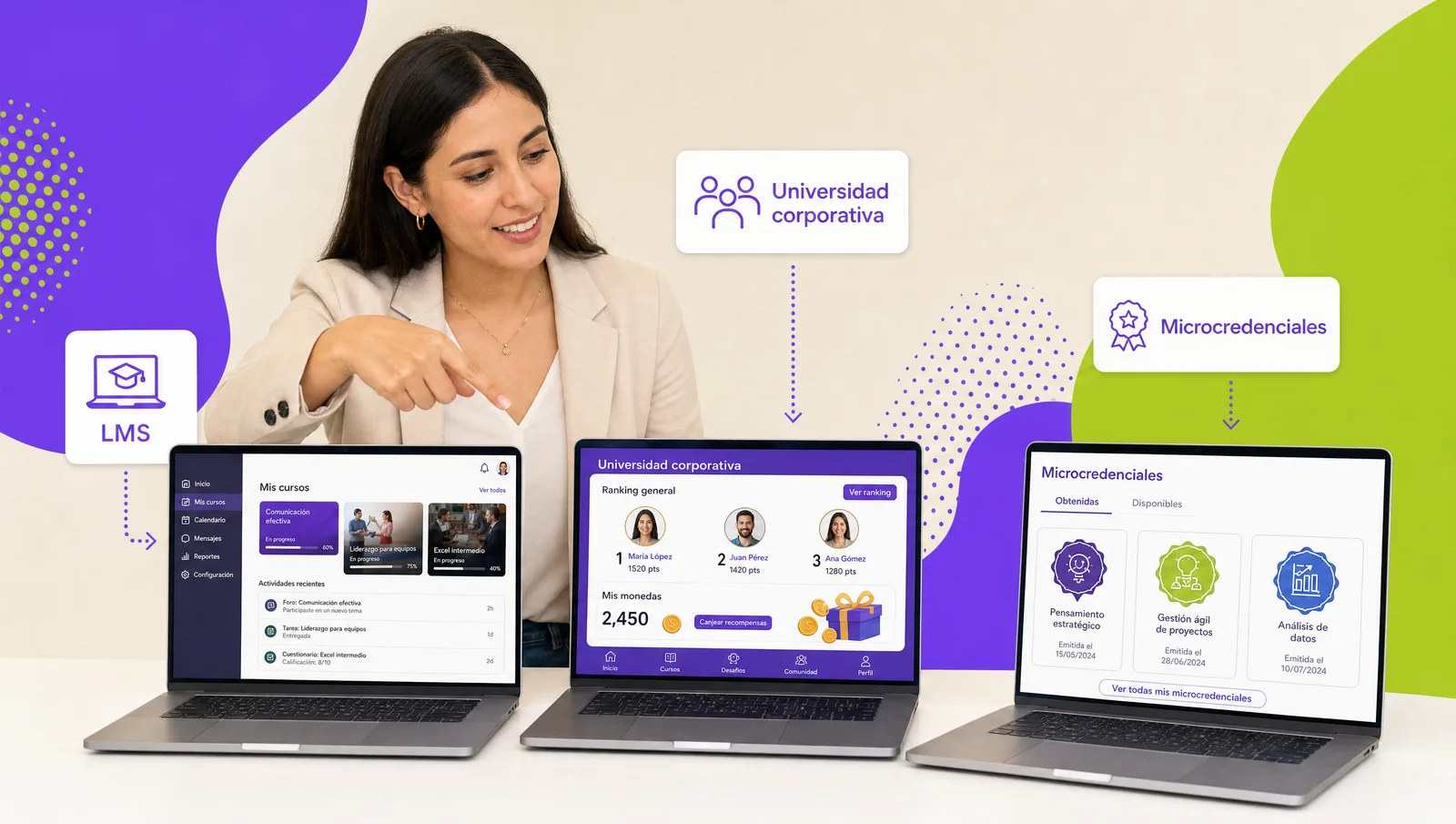
| Gamification | Avatars, coins, store, and your own rules | Pre-designed badges |
| DC-3 certificate | Configurable with the STPS fields | Depends on the vendor |
If you want to see what an implemented Moodle with branding, gamification, and an AI agent looks like before deciding, the full description is at e-learning platform for companies.
Want to see the e-learning platform running under your brand?
The best comparison is watching your own courses run on an implemented Moodle. Book a 30-minute demo: message us on WhatsApp, fill out the contact form or open this site's live chat. We show you the LMS in your colors, a SCORM course with gamification, and the DC-3 certificate it generates, no cost and no commitment. The whole platform is described at e-learning platform for companies.