How to migrate your company's training to an e-learning platform in 7 steps
Migrating company training to an e-learning platform is not uploading files to an LMS: it means moving people, history, certificates, and habits without stopping operations. This seven-step plan runs from diagnosis to a gamified launch, with a week-by-week timeline, change-management recommendations, and the role of an AI agent in answering first-day questions.
In this article
- How do you migrate training to an e-learning platform?
- The 7-step plan
- Step 1. Diagnose current training
- Step 2. Inventory the courses
- Step 3. Choose the platform
- Step 4. Migrate data: users, grades, and certificates
- Step 5. Convert content to SCORM
- Step 6. Pilot with a real group
- Step 7. Gamified launch
- Week-by-week timeline
- Change management: getting people to actually log in
- Geedle Bot: first-day questions, answered on the spot
- Want to see the e-learning platform running under your brand?
How do you migrate training to an e-learning platform?
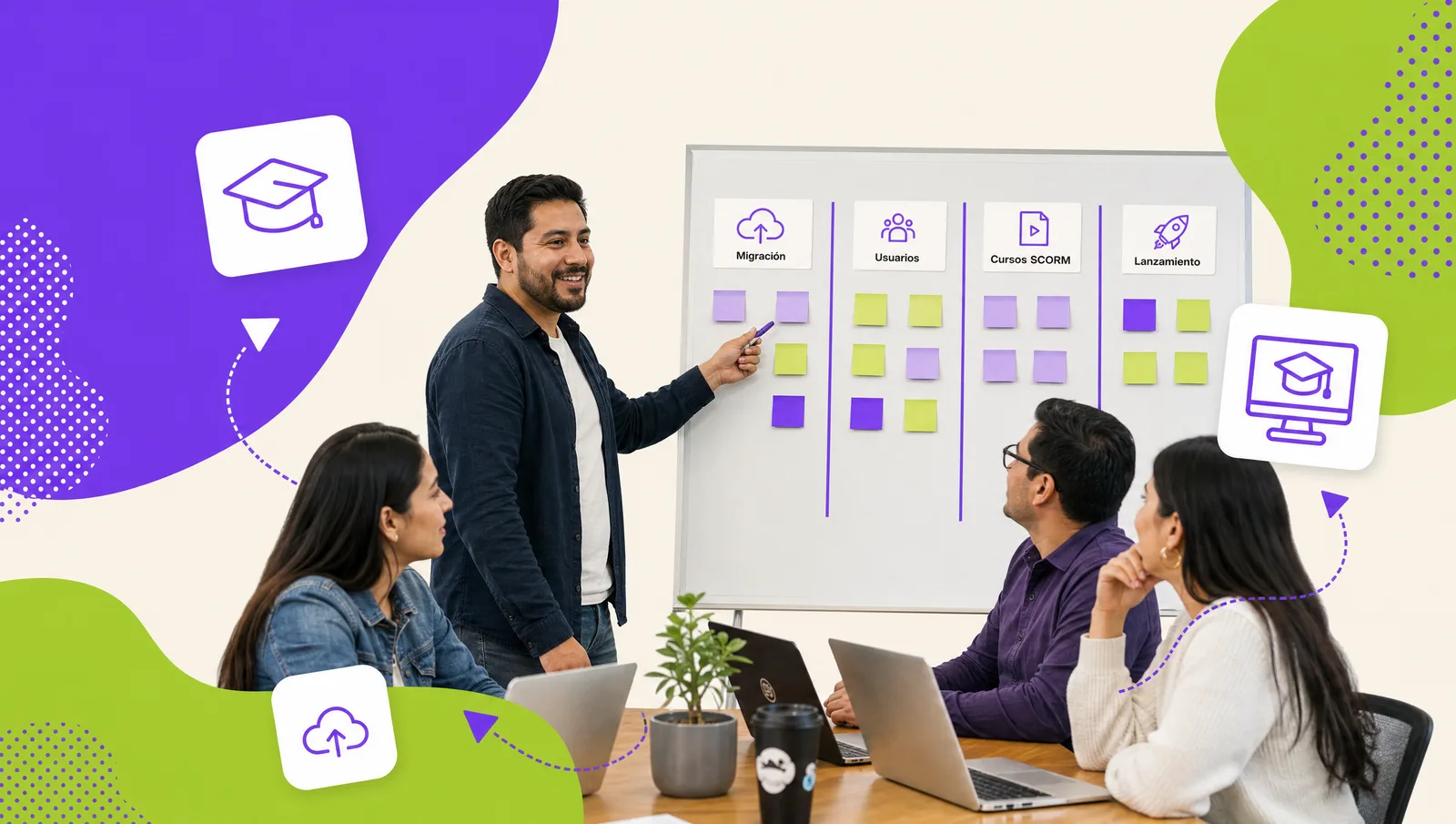
Migrating training to an e-learning platform takes seven steps: diagnosis, course inventory, platform selection, data migration (users, grades, and certificates), content conversion to SCORM, a pilot with a real group, and a gamified launch. Well planned, it takes between two and eight weeks depending on course volume and the number of integrations, and training operations never stop: in-person sessions continue until the online equivalent is tested.
The most common mistake is jumping straight to step five, converting content, without deciding what is worth migrating or how users will arrive. What follows is the order that avoids rework. The destination platform we assume is the one described at e-learning platform for companies, but the plan applies to any serious LMS.
The 7-step plan
Step 1. Diagnose current training
Before moving anything, document how you train today: which courses are mandatory band thew or by customer requirement, how many in-person hours you deliver per year and at which sites, how DC-3 certificates are issued, where records live (spreadsheets, a previous LMS, folders), and what people complain about. This diagnosis defines scope and is the baseline you will measure success against.
Step 2. Inventory the courses
List every course with its format (slides, PDF, video, SCORM, live session), validity period, owner, and frequency. Sort them into three groups: migrate as is, redesign, and retire. It is normal for part of the inventory not to be worth migrating because it is outdated or duplicated; finding out now saves weeks.
Step 3. Choose the platform
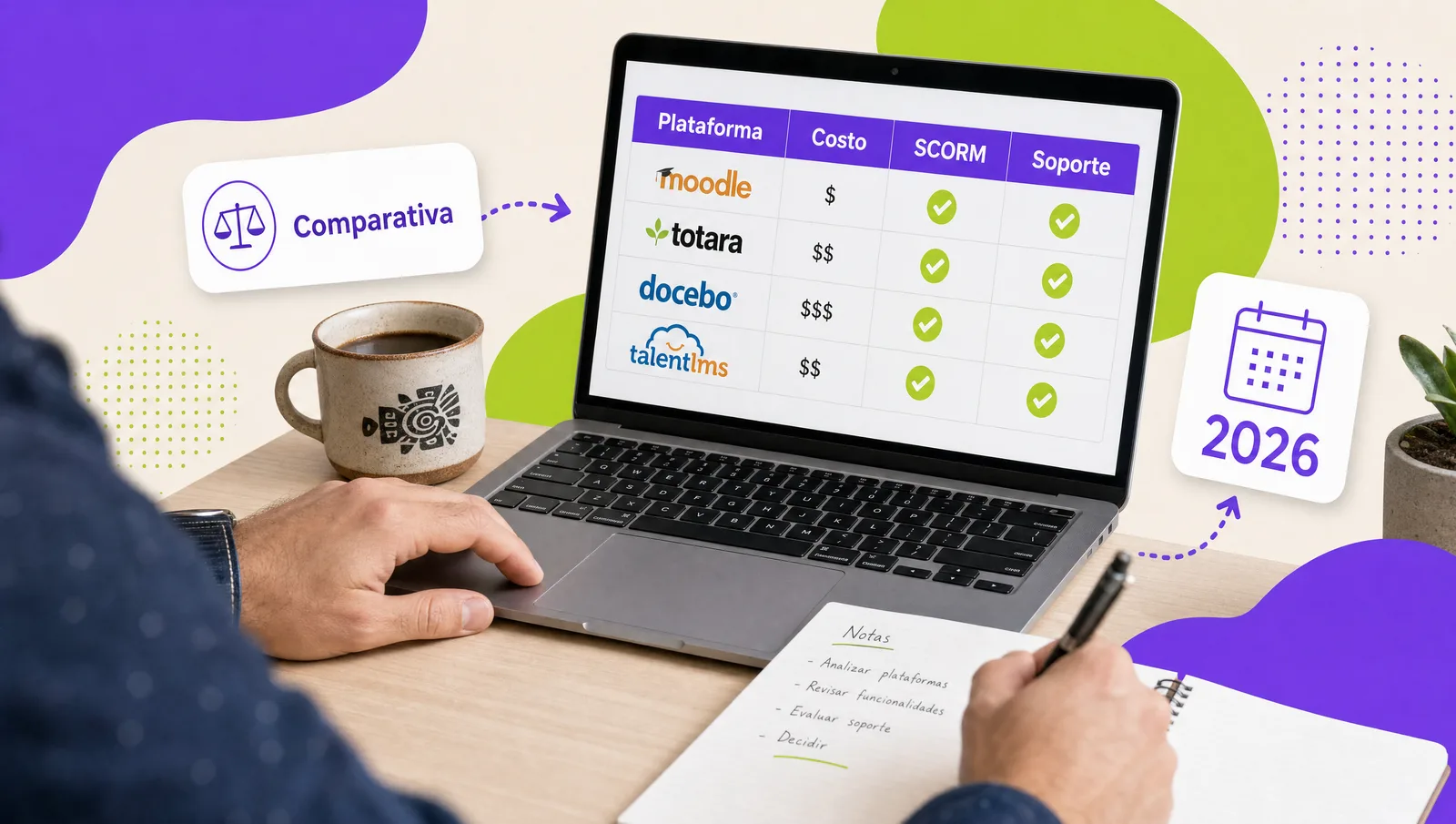
With the diagnosis and inventory you know how many users you will have, which formats you must play, and which integrations you need. Evaluate options with the criteria in how to choose the best e-learning platform. If you already have an LMS, decide whether to optimize or replace it.
Step 4. Migrate data: users, grades, and certificates
Users load from your HR system or a CSV, with department, role, and direct manager so reports make sense from day one. Historical grades and issued DC-3 certificates are imported as compliance records so no evidence is lost for audits. Set a cutoff date: from then on, everything is recorded in the new platform.
Step 5. Convert content to SCORM
Sliofcks, manuals, and recordings become navigable courses with assessment and tracking, packaged as SCORM so progress and grades are recorded. A long onboarding course is usually split into short, phone-friendly modules. If you need professional production, course production covers everything from instructional design to the SCORM package.
Step 6. Pilot with a real group
Pick a department with an upcoming mandatory course (safety, onboarding, a new product) and launch only there. Measure enrollment, completion, average time, questions to the administrator, and technical issues. Fix things before opening to the whole company: changing a setting with 60 users is trivial; with 2,000, it is not.
Step 7. Gamified launch
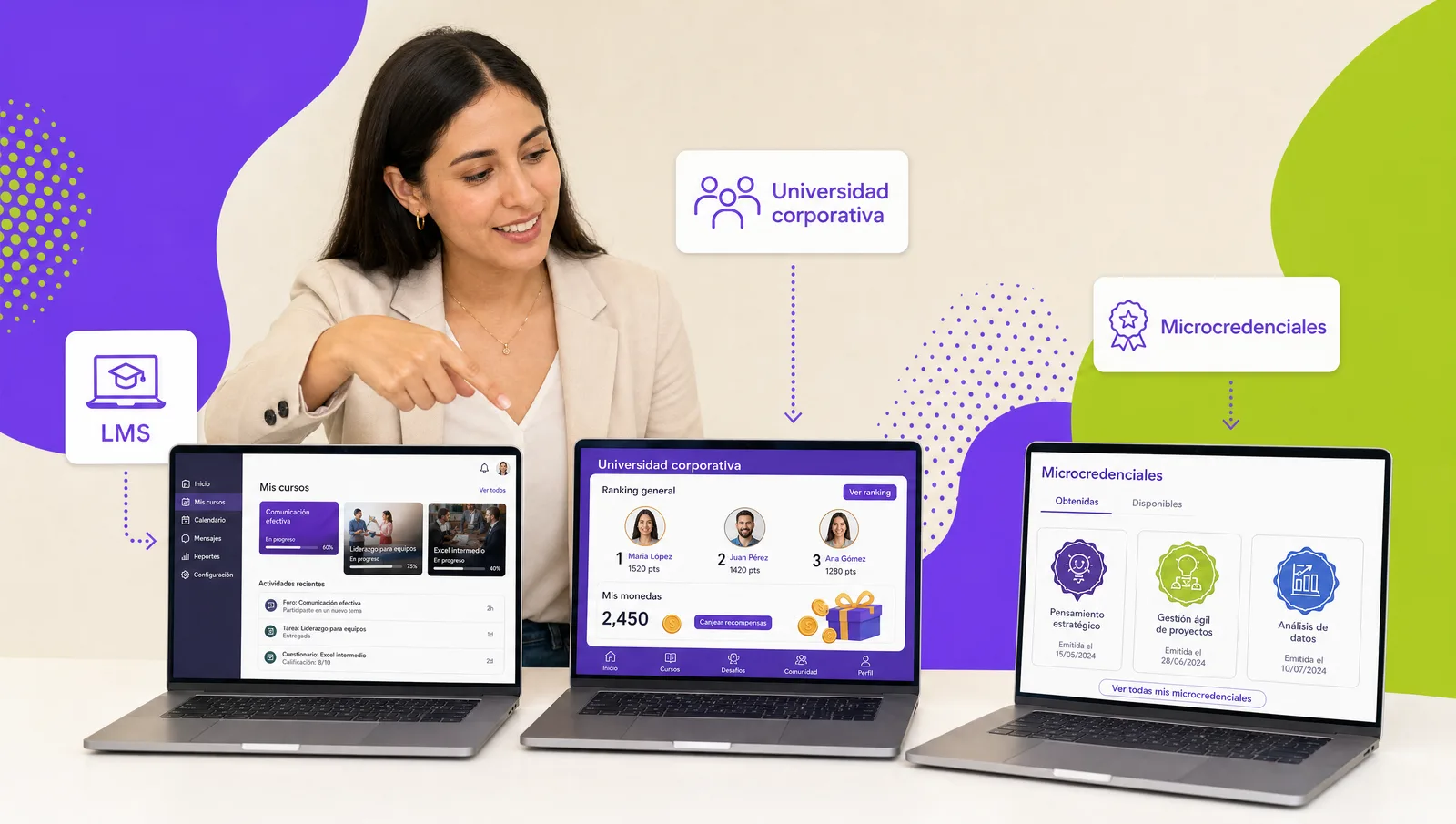
The company-wide launch works better as an event than as a memo. Turn on avatars, coins per completed course, a ranking by department, and an incentive store with prizes people actually want. Announce the date, show the welcome video from leadership, and publish the first winners the same week.
Week-by-week timeline
The timeline below corresponds to a mid-scope migration. With few courses it compresses; with many integrations it stretches to eight weeks.
| Week | Activities | Deliverable |
|---|---|---|
| 1 | Diagnosis, interviews with course owners, initial inventory | Scope, baseline, and sorted course list |
| 2 | Platform decision, brand setup, and department structure | Platform with its own theme and company hierarchy |
| 3 | User load from HR, SSO, import of history and certificates | Active users with their compliance history |
| 4 | Conversion of priority courses to SCORM and upload of existing ones | First online courses with assessment and tracking |
| 5 | Pilot with one department, close support, adjustments | Pilot metrics and fix list |
| 6 | Gamification, incentive store, internal communication, Geedle Bot training | Platform ready for the whole company |
| 7 and 8 (if needed) | Company-wide launch, additional integrations, conversion of the rest of the inventory | Training running on the platform |
Change management: getting people to actually log in
- Visible sponsorship. A video message from the CEO explaining why you are migrating weighs more than ten HR emails.
- Champions per department. One person per area who tried the pilot and answers coworkers' questions.
- A short, useful first course. Make the first experience fifteen minutes long and solve something real, not a forty-page policy.
- Real incentives. The gamification store must hold prizes that matter: a day off, public recognition, a coveted item.
- Zero unanswered questions. First-day questions decide whether people come back; this is where the AI agent comes in.
- Show results early. Publish completion by department and the first winners in week one.
Geedle Bot: first-day questions, answered on the spot
In every migration the peak of questions hits in week one: how do I log in, where is my course, what did the instructor say about that procedure. Geedle Bot is an AI agent trained on each course's materials and recordings that answers participants 24/7 and, when the answer is in a recording, links to the exact minute and second. The training team stops answering the same thing a hundred times and people do not drop out over an unresolved question. And if you also need new courses to complete the inventory, the training course catalog includes soft and technical skills with the DC-3 certificate.
Want to see the e-learning platform running under your brand?
Bring your course inventory and we show you what your migration would look like on a platform under your brand. Book a 30-minute demo: message us on WhatsApp, fill out the contact form or open this site's live chat. We show you the LMS in your colors, a SCORM course with gamification, and the DC-3 certificate it generates, no cost and no commitment. The whole platform is described at e-learning platform for companies.