How much does an e-learning platform cost for companies: components, models, and hidden costs
The question "how much does an e-learning platform cost?" has an honest answer: it depends on six components and, above all, on whether you pay per user or a fixed cost. In this article we break down each component, compare how the cost of a subscription LMS scales against an implemented Moodle at 100, 500, and 2,000 users, flag the hidden costs that never show up in the first quote, and explain which levers make the investment pay back.
In this article
- How much does an e-learning platform cost for companies?
- The six cost components
- 1. Implementation
- 2. Hosting and performance
- 3. Courses and content
- 4. Integrations
- 5. Support and updates
- 6. Per-user licenses
- Subscription vs implemented Moodle: how cost scales
- Hidden costs that never show up in the first quote
- Return levers: where the investment pays back
- How to get a real figure for your company
- Want to see the e-learning platform running under your brand?
How much does an e-learning platform cost for companies?
The cost of an e-learning platform for companies is made up of six line items: implementation, hosting, courses or content, integrations, support and, for commercial LMSs, per-user licenses. There is no single price because two companies with the same headcount can need very different scopes; what stays constant is the structure. That is why at Geedle we do not send a closed figure but a proposal with three scope options in under 24 business hours, so you can compare what each one includes before talking numbers.
The key when reading any quote is to separate what you pay once from what you pay every year, and what grows with headcount from what stays fixed. That distinction, more than the first-year total, determines what the platform will really cost you. What ours includes is described at e-learning platform for companies.
The six cost components
1. Implementation
This is the work of getting the platform ready for your company: installation, theme with your brand, department and role structure, enrollment rules, reports, gamification, and testing. You pay it once. On a subscription LMS it is usually minimal because customization is minimal too; on a custom Moodle implementation it is the largest share of the upfront cost and takes between two and eight weeks.
2. Hosting and performance
The server where the platform lives, its backups, its security certificate, and its monitoring. Hosting tuned with Redis for caching and Nginx as the web server supports more concurrent users on the same hardware, which matters when the whole plant takes its onboarding course the same week. It is an annual and fairly stable cost.
3. Courses and content
Three paths with different costs: producing your own courses (instructional design, recording, SCORM), buying catalog courses, or converting what you already have (sliofcks, manuals, session recordings). It is the line item that varies most and generates the most value, because content is what people actually consume.
4. Integrations
Connecting the platform to your HR system for automatic hires and exits, to SSO so each person logs in with their corporate account, and to video-conferencing or payroll tools. Quoted once; they save years of manual administration.
5. Support and updates
Who helps your administrators, who updates the platform and plugins, and who answers when something breaks on a Monday at 7 a.m. It is annual and should be written down with hours and response times.
6. Per-user licenses
The line item that shapes everything else. Commercial LMSs charge a fee per active user, monthly or yearly. A Moodle implementation has no per-user license: the software is open source and the cost is fixed whether you train 100 or 2,000 people.
Subscription vs implemented Moodle: how cost scales
The clearest way to understand the difference is to follow the same company as it grows. The table describes the cost structure, not figures: exact figures depend on your scope and arrive in the three-option proposal.
| Headcount | Commercial subscription LMS | Moodle implemented to measure |
|---|---|---|
| 100 users | Low total per-user fee; minimal implementation; limited customization. Usually the cheapest option in year one. | Fixed implementation and hosting cost that outweighs the subscription at first; includes branding, gamification, and integrations. |
| 500 users | The per-user fee multiplies by five; higher tiers appear for SSO, reporting, and API. | The fixed cost barely changes; cost per person falls to a fifth. The point where both options usually cross. |
| 2,000 users | The subscription becomes the dominant line item and grows every year with headcount; adding frontline staff or distributors gets expensive. | Same fixed cost with properly sized hosting; cost per person is minimal and including the whole workforce costs nothing extra. |
| What grows over time | The license, with every hire and every vendor price increase. | Only hosting if traffic demands it, and whatever content you decide to produce. |
The practical conclusion: with few users and generic courses, a subscription is reasonable; from a few hundred users, or if you want to include the whole organization, the fixed cost wins. If you already run Moodle and suspect it overpays on hosting or performs poorly, LMS optimization usually costs less than migrating.
Hidden costs that never show up in the first quote
- "Inactive" users that still count. Some vendors bill per registered user, not per active one; employees nobody deactivated keep getting invoiced.
- Storage and SCORM package limits. Heavy videos and courses push the plan to the next tier.
- Integrations "available" on another plan. SSO, API, and advanced reporting usually sit one tier above the one you were quoted.
- Manual administration. The hours someone on your team spends enrolling users, chasing certificates, and building spreadsheet reports are a real cost even without an invoice.
- Content conversion. Turning sliofcks and manuals into navigable courses has a cost worth budgeting from day one.
- Exit. Exporting users, grades, and certificates when leaving a vendor can cost time and money if it was not agreed upfront.
Return levers: where the investment pays back
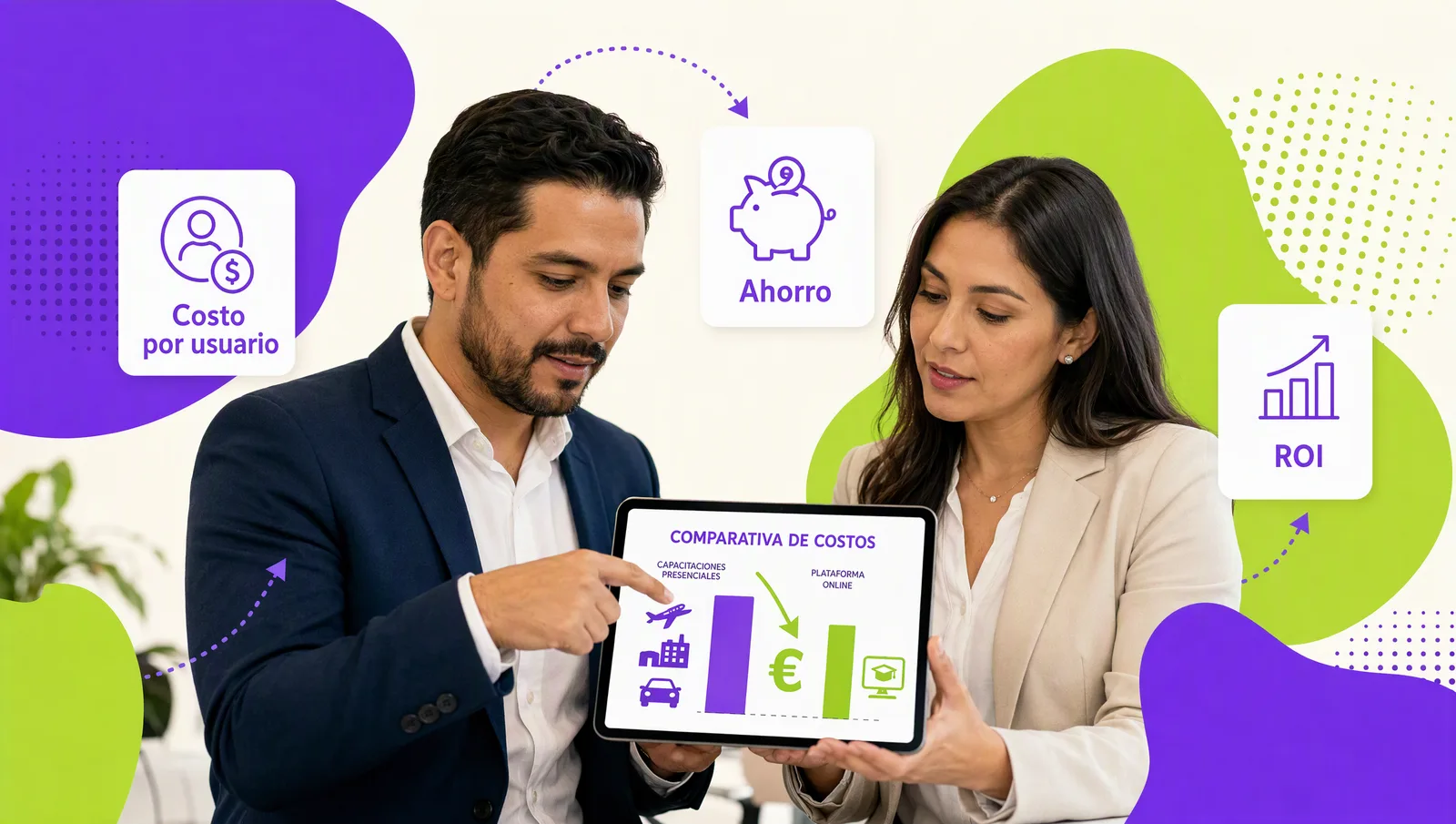
The platform pays for itself through three channels you can measure from the first quarter. The first is savings on travel and classroom hours: every course that stops being delivered in person, repeated at each plant, removes trips, lodging, rooms, and duplicated instructors. The second is completion: with gamification (avatars, coins, incentive store) and an AI agent such as Geedle Bot that resolves questions on the spot and points to the exact minute of the recording, more people finish mandatory courses and the training team stops chasing stragglers. The third is audit time: when the DC-3 certificate and the progress record come from the same system, preparing an STPS review or a quality audit goes from days to hours.
How to get a real figure for your company
- Gather current headcount and the three-year projection, including frontline staff, interns, and contractors.
- Inventory the courses you already have, their format, and which ones are mandatory.
- List the integrations you need from day one (HR, SSO) and the ones that can wait.
- Take the free LMS assessment to see where your training stands today.
- Ask for a proposal with three scope options and compare what each includes, not just the total.
Want to see the e-learning platform running under your brand?
With your headcount and course inventory, the three-option proposal goes out in under 24 business hours. Book a 30-minute demo: message us on WhatsApp, fill out the contact form or open this site's live chat. We show you the LMS in your colors, a SCORM course with gamification, and the DC-3 certificate it generates, no cost and no commitment. The whole platform is described at e-learning platform for companies.