How to build an AI agent without coding: step by step with n8n
Building an AI agent without coding is no longer a marketing promise: with n8n you assemble one in an afternoon with visual nodes, a language model and your company's documents. The hard part is not the tool but deciding which task it solves, with what information and how to know it works. This guide walks through the six steps we use in our projects, in the order that avoids rework.
In this article
- What is a no-code AI agent?
- Step 1: Which task does it solve, and for whom?
- Step 2: Which documents does the agent need (RAG)?
- Step 3: Where does the conversation come in?
- Step 4: How is the agent assembled in n8n?
- Step 5: How do you know it works before publishing?
- Step 6: How do you publish and measure it?
- Want to bring this to your team?
What is a no-code AI agent?
It is an automated flow that receives a question or an event, queries a language model with your documents and memory, decides which tool to use and replies or acts, all built with visual nodes instead of code. In n8n that flow is drawn by dragging blocks: a trigger, an agent node, a model, a memory and the tools you allow it to use. The automation that used to require a developer is now configured by someone in operations, HR or sales who understands the process well. To see how it differs from a button-based bot, read AI agents vs chatbots.
Step 1: Which task does it solve, and for whom?
A useful agent solves one concrete task for one concrete user; "handle everything in the company" is the recipe for nobody using it. Write in one line who asks, what they ask and what should happen next. Examples that work well as a first agent:
- Employees asking about vacation, benefits and internal policies (the typical case for an HR chatbot).
- Salespeople who need spec sheets, list prices and delivery terms without digging through ten folders.
- Customers who want an order status or to open a ticket after hours.
- Course participants reviewing questions after the session, as Geedle Bot does.
Also write down what the agent must not do: approve discounts, promise dates, give opinions on legal matters. Those limits go straight into the system prompt.
Step 2: Which documents does the agent need (RAG)?
The agent answers well only if it has the right documents at hand: gather manuals, policies, price lists and FAQs in one folder, clean them and load them into a vector store so the model can retrieve them by similarity. That technique is called RAG (retrieval-augmented generation) and it is what keeps the model from making things up. Three practical rules:
- Fewer, more current documents: one valid manual is worth more than five old versions.
- One document per topic, with clear headings: the retriever works better with well-delimited chunks.
- Remove what must not leak: personal data, per-customer net prices, drafts.
In n8n, the loading flow is one node that reads the files, one that splits them into chunks, one that generates embeddings and one that stores them in the vector store. It runs once and runs again whenever the documents change.
Step 3: Where does the conversation come in?
The trigger defines where the agent lives, and it pays to pick the channel the user is already on instead of asking them to open another app.
| Trigger | When it fits | What you need |
|---|---|---|
| Customers, field sales, operational staff | A WhatsApp Business number and its API | |
| Microsoft Teams | Administrative teams living in Microsoft 365 | Permissions on the company tenant |
| Formal requests, tickets, quotes | A dedicated mailbox and filtering rules | |
| Web form | Leads, surveys, request intake | An n8n form or one on your site |
You can start with one and add the others later: the same agent connects to several triggers without duplicating the logic.
Step 4: How is the agent assembled in n8n?
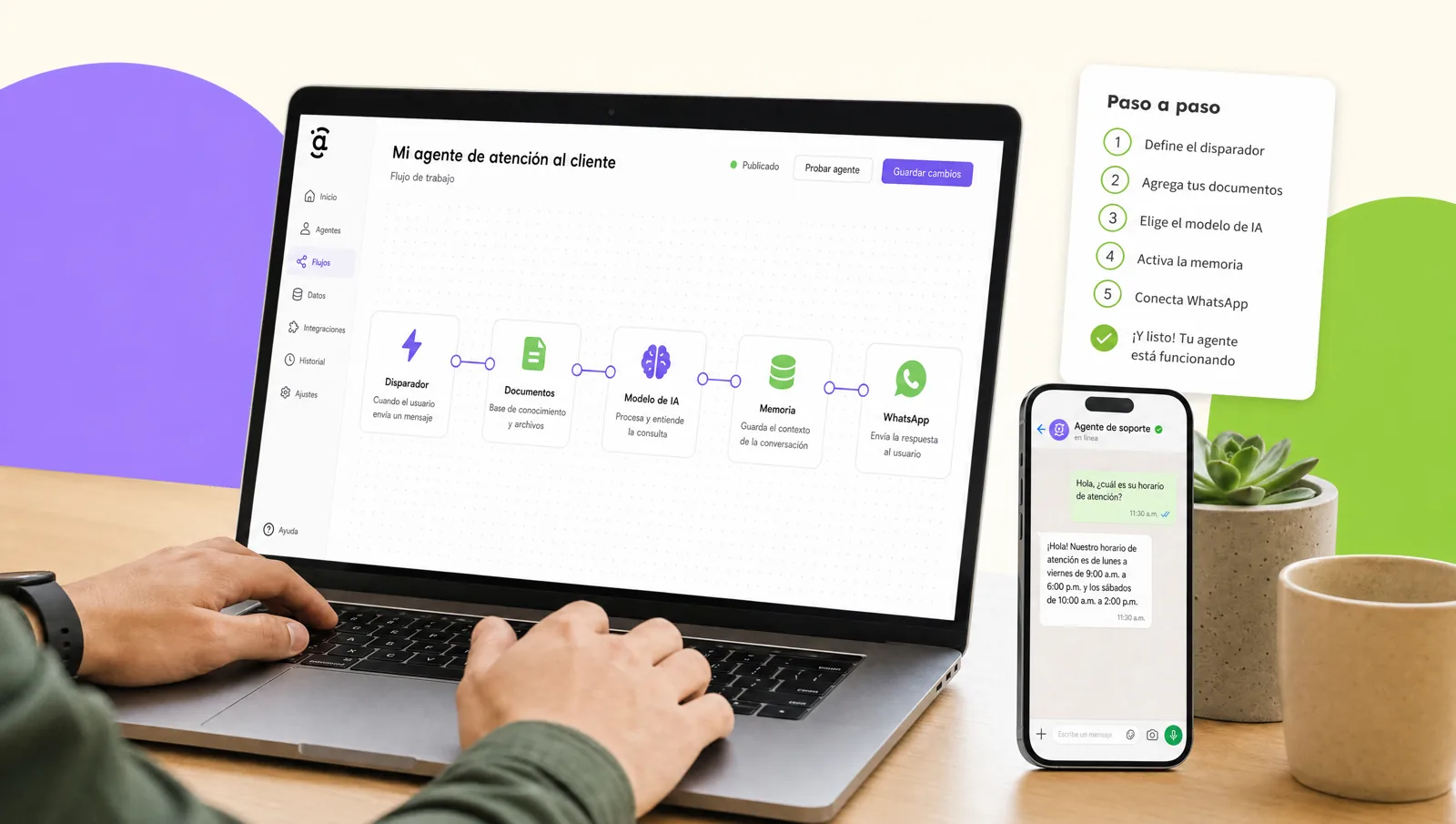
The heart of the flow is an agent node with three pieces connected to it: a language model, a memory and the tools it may use. The model generates the answers; the memory keeps each user's latest messages so the conversation has a thread; the tools are concrete actions, such as searching the vector store, querying the CRM, creating a ticket or sending an email. The system prompt describes the agent's role, its tone, the limits from step 1 and the instruction to say "I don't know" when the documents do not cover the question. This full build, with templates, is what gets practiced in the AI agents course.
Step 5: How do you know it works before publishing?
Test the agent with twenty real questions, taken from emails, chats or tickets from recent months, and grade each answer as correct, incomplete or wrong. Twenty is enough to see patterns: if it fails on prices, the price document is badly chunked; if it invents, the abstain instruction is missing; if it answers at length, the tone needs adjusting. Repeat until at least eighteen out of twenty come out right. Include trick questions (out of scope, with sensitive data, badly typed) to see how it reacts.
Step 6: How do you publish and measure it?
Publish the agent to a pilot group of five to ten users, log every conversation and review two indicators each week: the percentage of questions resolved without human intervention and the new questions that were not in the documents. With that you adjust the documents and the prompt in short cycles. When the pilot stabilizes, you open the channel to the rest of the company. If you would rather build it with us, documents, triggers and measurement included, see our AI agents for business service.
Want to bring this to your team?
We build your company's first agent on n8n with you, with your documents and your channel, and leave your team able to maintain it. Message us on WhatsApp, fill out the contact form or open this site's live chat: we send a proposal with three scope options and a closed price in under 24 business hours, with the DC-3 certificate and Geedle Bot included. The full program is at the AI agents course and the catalog at training courses for companies.