AI voice agent for onboarding and internal training: how we implement it in four weeks
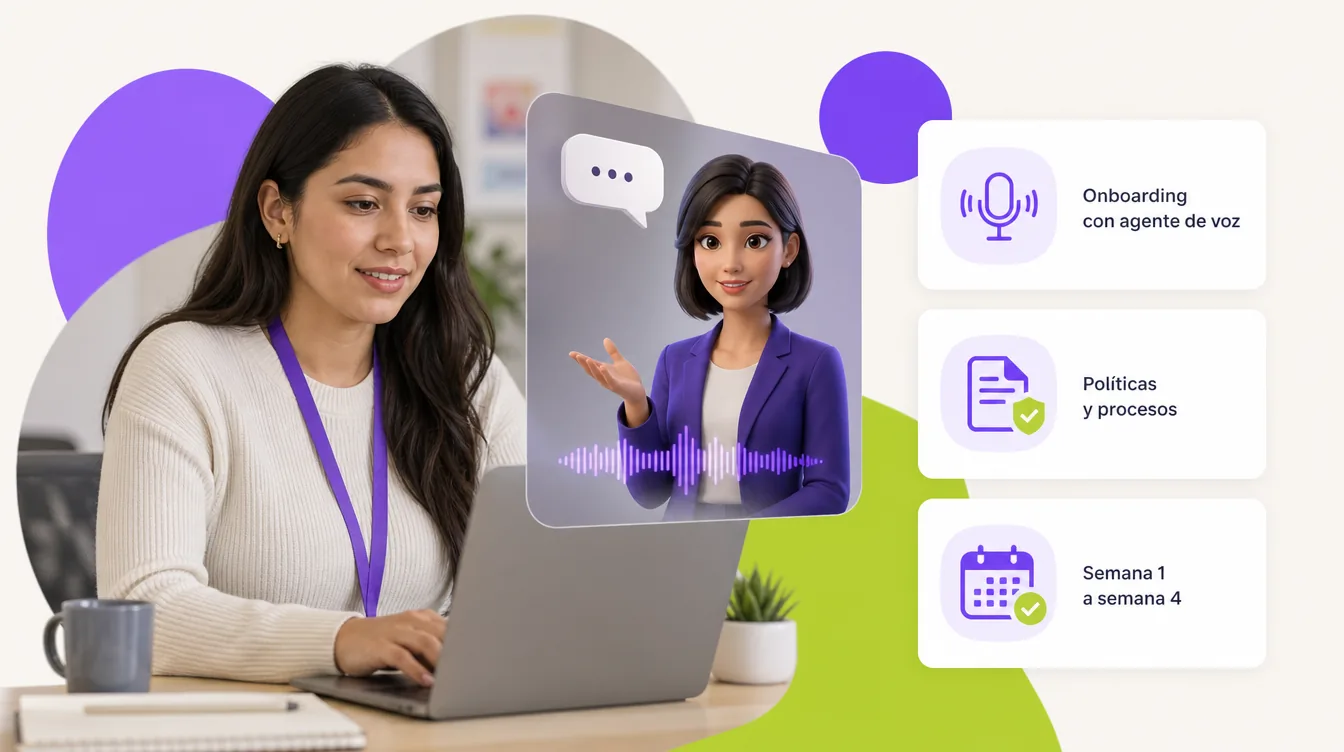
Onboarding a new hire repeats the same explanations every time: policies, benefits, processes, whom to go to. An AI voice agent for onboarding gives those explanations with a voice and, if you want, a face, answers questions with company documents as its only source and keeps a record of what each person asked. This guiofscribes the four-week plan we use to implement it, what we deliver each week and how to measure whether it worked.
In this article
- What does a voice agent do in a company's onboarding?
- Why voice and not just a text chatbot?
- The four-week plan
- Week 1: role, content and limits
- Week 2: prototype with your documents
- Week 3: tests and adjustments
- Week 4: pilot and measurement
- What is measured to know whether the onboarding agent works?
- What else can the same agent do in internal training?
- Try it, or have us build yours
What does a voice agent do in a company's onboarding?
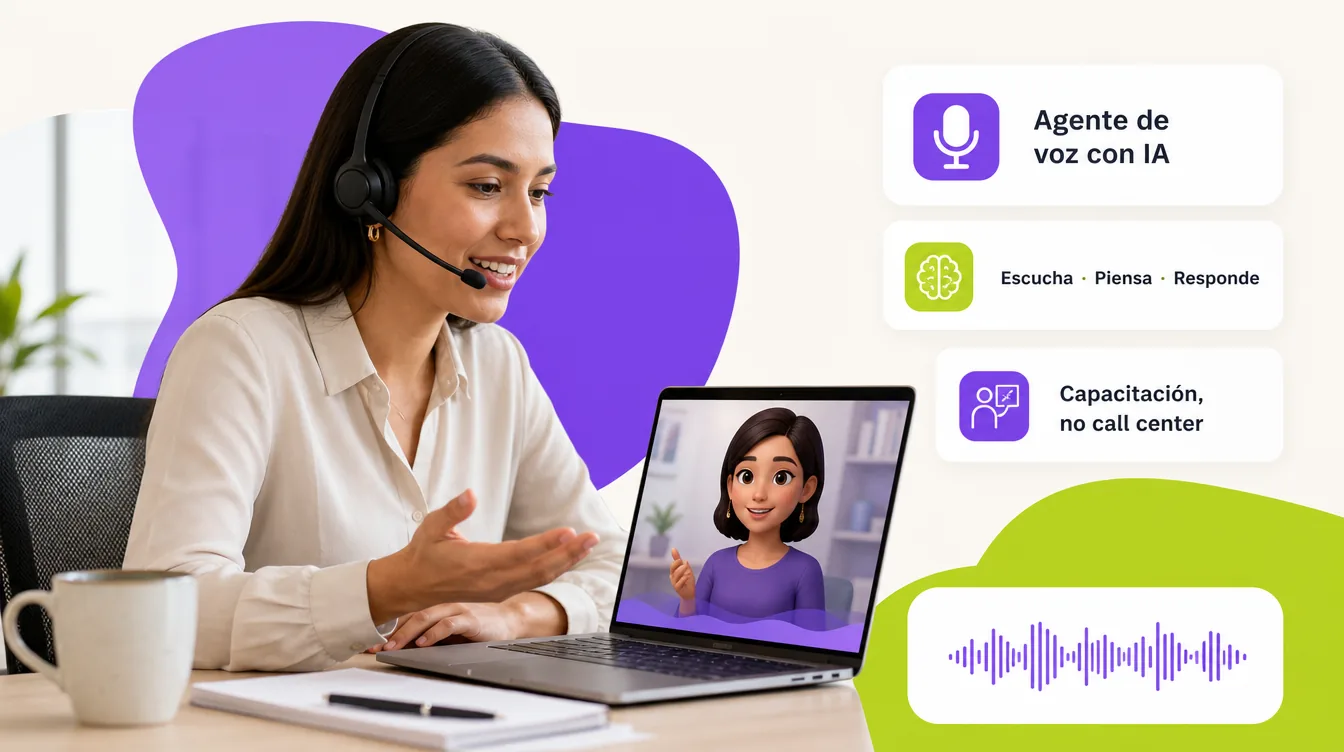
It welcomes the new hire on the onboarding portal or at a reception kiosk, explains the essentials of day one, answers questions about policies, benefits, schedules and processes with the official documents as its source, guides them through the paperwork and, when a question is out of its scope, sends them to the right person with the context of the conversation. It is an AI voice agent in the role of onboarding guide; with an avatar it becomes "the face" of onboarding. It complements, not replaces, the digital onboarding program and the text-based HR chatbot.
Why voice and not just a text chatbot?
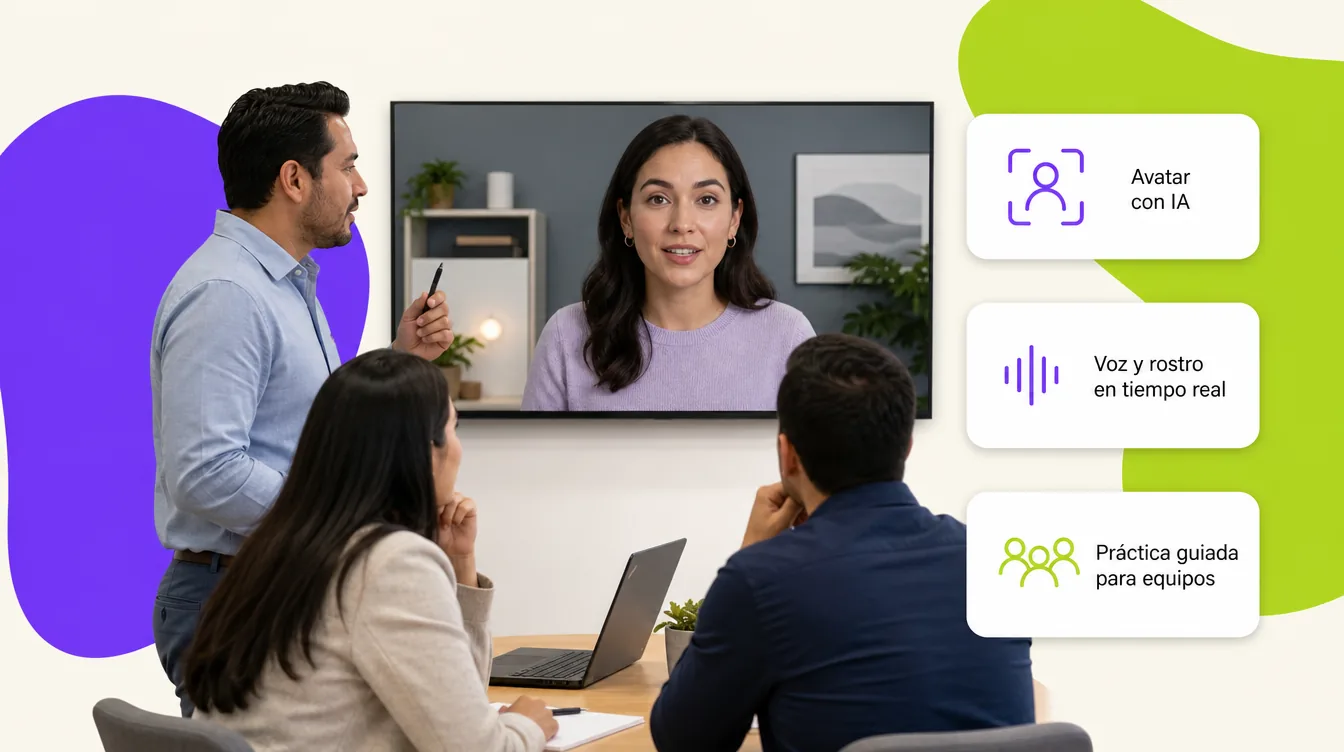
Because on day one questions are asked shyly, in passing and out loud: "what time is lunch?", "how do I request my uniform?", "who do I see about payroll?". A voice agent handles them like a friendly colleague would, and with an avatar it gives a welcome that is remembered. For later questions on WhatsApp or Teams, the text chatbot remains the cheapest option; the rule we use to decide is in AI avatars for team training.
The four-week plan
Week 1: role, content and limits
- We define in one sentence what the agent solves and for whom: "guide the first day of a plant operator and answer about policies and benefits".
- We gather the current documents: internal regulations, policies, benefits, org chart, first-month processes, HR FAQs.
- We write the limits: it does not opine on legal matters, does not promise dates, does not give information about another person, transfers to HR when appropriate.
- We choose the channel (portal, LMS, kiosk), voice, language and whether it has an avatar.
Week 2: prototype with your documents
- We load the clean documents as the source (RAG) and build the system prompt with the role, tone and limits.
- We set up the voice session, the avatar if applicable and the page or block where it will live.
- First demonstration with the HR team: twenty real questions taken from recent hires.
Week 3: tests and adjustments
- We grade each answer as correct, incomplete or incorrect and fix documents and prompt until at least eighteen out of twenty come out right.
- We add trap questions (out of scope, with sensitive data, badly phrased) to verify the agent abstains and transfers.
- We configure usage caps, the summary by email and, if the LMS accepts it, the completion report.
Week 4: pilot and measurement
- Pilot with the next five to ten real hires; every conversation is recorded.
- We review two indicators per week: questions resolved without human intervention and new questions that were not in the documents.
- We deliver the agent, the maintenance guide and the FAQ dashboard for HR.
What is measured to know whether the onboarding agent works?
| Indicator | How it is obtained | What decision it enables |
|---|---|---|
| Questions resolved without a human | Transcripts marked as resolved | Expand the scope or reinforce documents |
| Questions outside the documents | The ones the agent could not answer | Which policy or process still needs writing |
| HR time spent on onboarding | Hours dedicated before and after | Reassign time to what truly needs a person |
| Day-one satisfaction | Short survey at the close of the session | Adjust tone, duration and content |
| Paperwork completed in week one | Checklist in the LMS | Detect bottlenecks in the process |
What else can the same agent do in internal training?
Once the agent knows the company's documents, the same engine serves to review a procedure before an audit, rehearse a difficult conversation with a colleague or practice a service protocol; we show it with the virtual ISO auditor and the sales role-play. Inside a course, it becomes an AI virtual tutor with the course content as its source. And if your team prefers to build it with n8n, the AI agents course teaches the same method.
Try it, or have us build yours
If your onboarding repeats the same explanations every week, there is an agent that can give them. Try the course advisor with avatar first: two free minutes in the browser, no account. If you want one with your content, your voice and your avatar, message us on WhatsApp or fill out the contact form: we reply the same day with a scope and a closed price. The full catalog is at AI agents with avatar.