Meta Pixel Saltar al contenido
Basic level

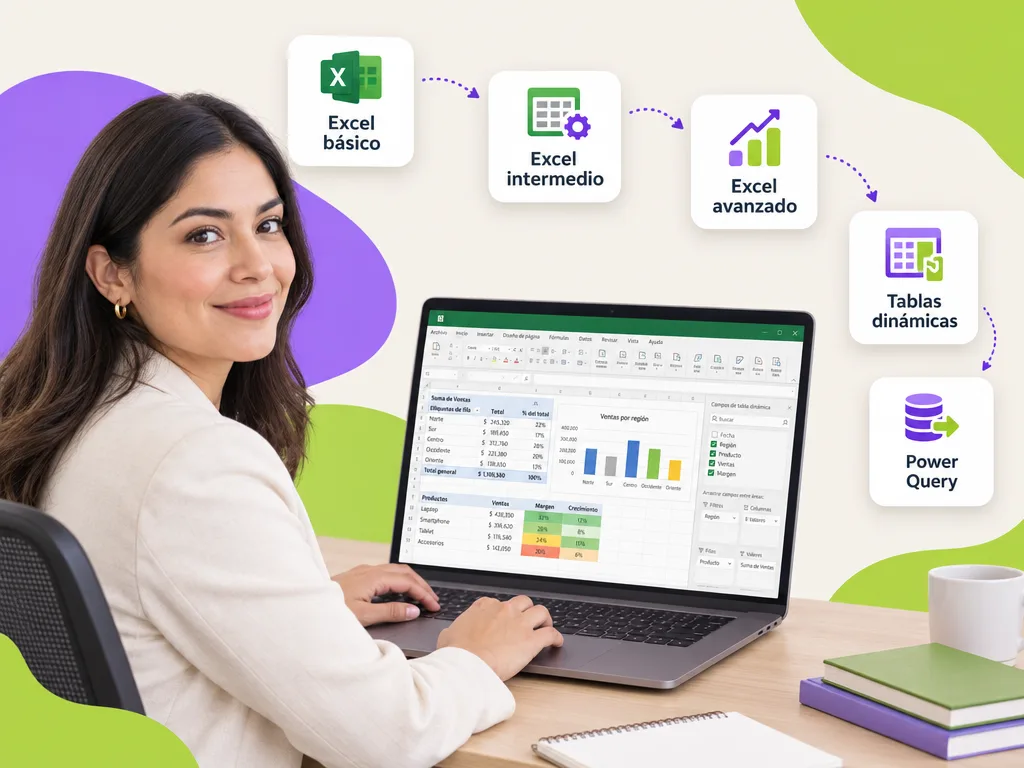
Excel basic course for companies

An Excel basic course for the staff who enter, look up or deliver information in spreadsheets and still do by hand what a formula solves. In 12 hours your team masters the sheet, formats, the essential functions (SUM, AVERAGE, IF, COUNTIF), tables with filters, charts and correct printing. No prerequisites: just knowing how to use a computer.

Excel basic course

What is the Excel basic course?

It is the first level of our Excel path: a 12-hour program that takes a person from opening Excel nervously to working with formulas, functions, tables and charts with confidence. We work with your company's real formats (attendance lists, inventories, quotes, sales reports) so each exercise is a file the participant will actually use. Whoever already masters this moves on to the Excel intermediate course, where XLOOKUP, pivot tables and data validation come in.

How long is the course and how is it delivered?

The exact duration is in the first card. It runs on-site at your company, live virtual for teams in several locations or self-paced on the platform; every participant who meets attendance and assessment receives a DC-3 certificate with the STPS, and Geedle Bot answers questions afterwards with the exact minute of the recording.

Duration

12 hours

Formats

Live virtual · On-site · Self-paced

Certificate

DC-3 · STPS

AI agent

Geedle Bot answers questions 24/7 with the exact minute of the recording

Investment

Proposal with three scope options and a closed price in under 24 business hours

What your team will be able to do

Learning objectives observable on the job.

  • Master the spreadsheet

    Cells, ranges, sheets, relative and absolute references, copying and pasting with judgment, freezing panes and time-saving shortcuts.

  • Apply professional formatting

    Number, date, currency and percentage formats; borders, cell styles and basic conditional formatting to highlight what matters.

  • Use essential functions

    SUM, AVERAGE, MAX, MIN, COUNT, COUNTIF, SUMIF, IF and text concatenation to solve operational calculations.

  • Sort, filter, chart and print

    Tables with filters and slicers, column, line and pie charts, and page setup to print with no surprises.

Syllabus

What does the course syllabus include?

Six modules in order, each with a deliverable you apply in your operation the following week. Exercises use real files and cases from your organization, each module's assessment is recorded on the platform and serves as evidence for the DC-3 certificate.

  1. The spreadsheet and its logic

    Interface, workbooks and sheets, data types, relative and absolute references, autofill and keyboard shortcuts.

    Workbook with organized sheets
  2. Formats people understand

    Number, date and currency formats, cell styles, alignment, wrap text, basic conditional formatting.

    Professionally formatted report
  3. Essential formulas and functions

    SUM, AVERAGE, MAX, MIN, COUNT, ROUND, percentage operations and common errors (#VALUE!, #DIV/0!).

    Cost spreadsheet
  4. Logical and conditional functions

    IF, simple nested IF, COUNTIF, SUMIF and text concatenation to build keys and labels.

    Report with conditions
  5. Tables, sorting and filters

    Converting ranges to tables, multi-level sorting, text, number and date filters, subtotals.

    Inventory with a filterable table
  6. Charts and printing

    Column, line and pie charts, titles and labels; print preview, print area, headers and fit to one page.

    Chart and print-ready report
01

Who is the basic level for?

Operational and administrative staff: assistants, reception, warehouse, purchasing, cashiers, floor supervisors and new hires who must deliver reports in Excel. Also for government agencies and university administrative areas that enter information in shared sheets. It is the course that prevents data-entry errors, wrong totals and files nobody understands once the person who built them leaves.

02

What changes in the company after the basic level?

Tidy, consistent files: each participant delivers a workbook with named sheets, correct cell formats, formulas instead of typed numbers, a filterable table and a chart that communicates. Data-entry errors drop, reports are built in minutes and the team is ready for the intermediate level, where lookup functions, pivot tables and data validation appear.

Want this course at your company?

Request the proposal for the excel basic course: three scope options with a closed price in under 24 business hours.

For companies, universities and government

01

For companies

From the administrative assistant to the analyst: every role gets the level it needs and leaves with a real file from its operation (inventory, payroll, quotes, weekly report) solved with method. We combine it with the courses for retail and services.


02

For universities

Administrative, registrar and finance areas that consolidate reports from several faculties in shared sheets: data validation, pivot tables and Power Query so closings do not depend on a single person. It is part of the courses for university administrative staff.

03

For government

Registries, official letters, budget and quarterly reports that are entered by hand today: validated forms, matches between databases and dashboards for planning and comptroller liaisons. You will find it within the courses for government and the public sector.

Case studies

Projects we have already delivered

Real projects told with facts, not promises.

  • One team from start to finish. Pedagogy, design, development and consulting — nothing critical subcontracted.
  • Fixed price, no surprises. A proposal with three scopes and a closed price for each. You choose the size of the step.
  • We listen before we quote. A free, no-strings assessment: you keep a useful report even if we don’t work together.
Participant asking Geedle Bot on a laptop at night; the agent replies with minute 42:15 of the course recording
Artificial intelligence

An AI agent supports every participant during and after the course

Geedle Bot is trained on the syllabus, materials and recordings of your course. Participants ask in plain language and get an exact answer, not a generic one.

  • Knows every detail of the course: dates, syllabus, deliverables and certificate criteria
  • Solves problems in real time, at any hour, from Moodle, WhatsApp, Teams or Slack
  • Delivers the exact minute and second of the recording where the instructor explained the topic
  • Reinforces what was covered with summaries and review questions, and escalates to the instructor when needed
  • Shows HR which topics raise the most questions so the course can be adjusted

Which format suits each course?

All of them issue a DC-3 certificate and leave records on the platform; what changes is how people practice and how the calendar is organized.

Live virtualOn-site at your companySelf-paced on the platform
Ideal forTeams across several sites or remoteHands-on practice, team dynamics and brigadesRotating shifts and large workforces
InteractionLive instructor, breakout rooms and real casesInstructor in the room, role-plays and practice with equipmentMicrolessons, challenges and automatic assessments
Typical duration2-to-4-hour sessions on different days4-to-8-hour days2 to 4 weeks at your own pace
RecordsAttendance, participation and assessment on the platformRoster, assessment and photo evidenceProgress, grades and time on the platform
Questions between sessionsGeedle Bot 24/7Geedle Bot 24/7Geedle Bot 24/7
CertificateDC-3 with the STPSDC-3 with the STPSDC-3 with the STPS
FAQ

Frequently asked questions about the excel basic course

Get a quote for this course for your team

Tell us how many people, in which city and in which format. We reply the same day, free and with no commitment.

★

Enter the VIP Zone

Geedle clients only. No passwords: we send a code to your email.

or

Not a client yet? Request your free diagnosis · Privacy notice