Meta Pixel Saltar al contenido
Intermediate level

Excel intermediate course for companies

An Excel intermediate course for people who already use formulas and filters and spend hours matching lists, cleaning text and building the same summary every week. In 16 hours your team masters XLOOKUP and INDEX/MATCH, text and date functions, data validation, pivot tables and charts and protecting shared files, with the real reports from your operation.

Excel intermediate course

What is the Excel intermediate course?

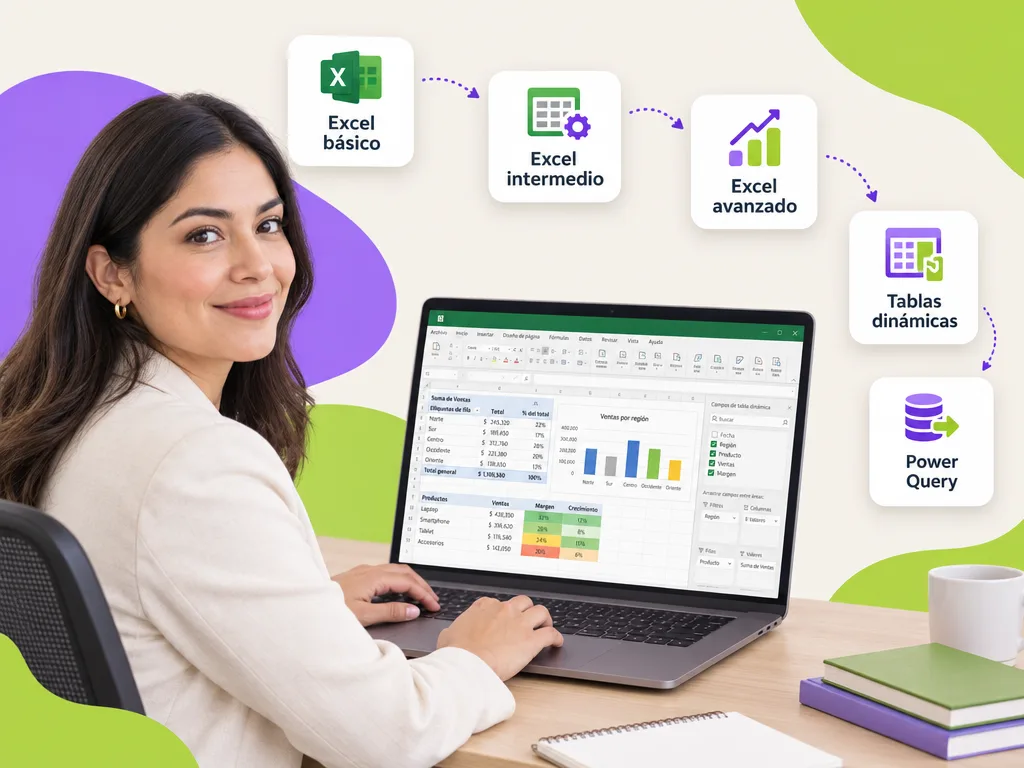
It is the second level of the path: 16 hours to turn an Excel user into someone who matches, cleans and summarizes information without help. It covers lookup functions (XLOOKUP, VLOOKUP, INDEX and MATCH), text, date and combined logical functions, data validation with drop-down lists, pivot tables with calculated fields and slicers, pivot charts and sheet and workbook protection. It follows the Excel basic course and prepares for the advanced level, where Power Query, array formulas and macros come in.

How long is the course and how is it delivered?

The exact duration is in the first card. It runs on-site at your company, live virtual for teams in several locations or self-paced on the platform; every participant who meets attendance and assessment receives a DC-3 certificate with the STPS, and Geedle Bot answers questions afterwards with the exact minute of the recording.

Duration

16 hours

Formats

Live virtual · On-site · Self-paced

Certificate

DC-3 · STPS

AI agent

Geedle Bot answers questions 24/7 with the exact minute of the recording

Investment

Proposal with three scope options and a closed price in under 24 business hours

What your team will be able to do

Learning objectives observable on the job.

  • Match information with lookup functions

    XLOOKUP, VLOOKUP, INDEX and MATCH, with error handling (IFERROR) and multi-criteria lookups.

  • Clean and transform with text and date functions

    LEFT, MID, TRIM, TEXT, DATEDIF, WORKDAY and combinations to standardize keys, names and dates.

  • Capture without errors with data validation

    Drop-down lists, dependent lists, date and number rules, error messages and formula-based conditional formatting.

  • Summarize with pivot tables and charts

    Pivot tables with calculated fields, date grouping, slicers, pivot charts and sheet and workbook protection.

Syllabus

What does the course syllabus include?

Six modules in order, each with a deliverable you apply in your operation the following week. Exercises use real files and cases from your organization, each module's assessment is recorded on the platform and serves as evidence for the DC-3 certificate.

  1. Lookup and reference functions

    XLOOKUP and VLOOKUP, INDEX and MATCH, approximate and multi-criteria lookups, IFERROR and structured references in tables.

    Reconciliation of two databases
  2. Text, date and combined logical functions

    TRIM, UPPER, MID, TEXT, TEXTJOIN, DATEDIF, WORKDAY, EOMONTH, AND / OR with nested IF.

    Clean, standardized database
  3. Data validation and entry forms

    Drop-down lists, dependent lists, custom rules, input and error messages, formula-based conditional formatting.

    Validated entry form
  4. Pivot tables

    Layout, date grouping, calculated fields and items, percent of total, several tables from one source and refresh.

    Weekly summary with pivot tables
  5. Pivot charts and simple dashboards

    Pivot charts, slicers and timelines connected to several tables, a summary sheet designed for management.

    One-page dashboard
  6. Sharing and protecting

    Protecting sheets and workbooks, allowing editable ranges, comments, co-authoring in OneDrive and good naming and versioning practices.

    Protected workbook ready to share
01

Who is the intermediate level for?

Analysts, administrative staff, accountants, buyers, HR, sales, logistics and quality staff who report and reconcile information in Excel and need to match databases, summarize with pivot tables and deliver files that do not break when someone else uses them. Also for government and university administrative areas that consolidate reports from several units. Requires the basic level or comfortable use of formulas and filters.

02

What changes in the company after the intermediate level?

Reports built with pivot tables instead of formulas copied cell by cell, matches between databases that no longer fail because of spaces or capitals, data-entry forms with validation that stop errors at the source and protected files several people use without wrecking them. The weekly summary that took an afternoon refreshes in minutes, and the team is ready for Power Query and automation at the advanced level.

Want this course at your company?

Request the proposal for the excel intermediate course: three scope options with a closed price in under 24 business hours.

For companies, universities and government

01

For companies

From the administrative assistant to the analyst: every role gets the level it needs and leaves with a real file from its operation (inventory, payroll, quotes, weekly report) solved with method. We combine it with the courses for retail and services.


02

For universities

Administrative, registrar and finance areas that consolidate reports from several faculties in shared sheets: data validation, pivot tables and Power Query so closings do not depend on a single person. It is part of the courses for university administrative staff.

03

For government

Registries, official letters, budget and quarterly reports that are entered by hand today: validated forms, matches between databases and dashboards for planning and comptroller liaisons. You will find it within the courses for government and the public sector.

Case studies

Projects we have already delivered

Real projects told with facts, not promises.

  • One team from start to finish. Pedagogy, design, development and consulting — nothing critical subcontracted.
  • Fixed price, no surprises. A proposal with three scopes and a closed price for each. You choose the size of the step.
  • We listen before we quote. A free, no-strings assessment: you keep a useful report even if we don’t work together.
Participant asking Geedle Bot on a laptop at night; the agent replies with minute 42:15 of the course recording
Artificial intelligence

An AI agent supports every participant during and after the course

Geedle Bot is trained on the syllabus, materials and recordings of your course. Participants ask in plain language and get an exact answer, not a generic one.

  • Knows every detail of the course: dates, syllabus, deliverables and certificate criteria
  • Solves problems in real time, at any hour, from Moodle, WhatsApp, Teams or Slack
  • Delivers the exact minute and second of the recording where the instructor explained the topic
  • Reinforces what was covered with summaries and review questions, and escalates to the instructor when needed
  • Shows HR which topics raise the most questions so the course can be adjusted

Which format suits each course?

All of them issue a DC-3 certificate and leave records on the platform; what changes is how people practice and how the calendar is organized.

Live virtualOn-site at your companySelf-paced on the platform
Ideal forTeams across several sites or remoteHands-on practice, team dynamics and brigadesRotating shifts and large workforces
InteractionLive instructor, breakout rooms and real casesInstructor in the room, role-plays and practice with equipmentMicrolessons, challenges and automatic assessments
Typical duration2-to-4-hour sessions on different days4-to-8-hour days2 to 4 weeks at your own pace
RecordsAttendance, participation and assessment on the platformRoster, assessment and photo evidenceProgress, grades and time on the platform
Questions between sessionsGeedle Bot 24/7Geedle Bot 24/7Geedle Bot 24/7
CertificateDC-3 with the STPSDC-3 with the STPSDC-3 with the STPS
FAQ

Frequently asked questions about the excel intermediate course

Get a quote for this course for your team

Tell us how many people, in which city and in which format. We reply the same day, free and with no commitment.

★

Enter the VIP Zone

Geedle clients only. No passwords: we send a code to your email.

or

Not a client yet? Request your free diagnosis · Privacy notice