Excel basic, intermediate and advanced: what each level covers and how to place your team
Almost every provider sells "advanced Excel", but each one puts different things in it: for some it is VLOOKUP, for others it is macros. This guide fixes what each level should include, which role needs which and how to place a team with a ten-minute test, so Excel training is neither boring nor out of reach.
In this article
Why "advanced Excel" does not mean the same everywhere
There is no official standard for Excel levels. Every school or provider builds its own syllabus, which is why an "advanced Excel course" may start at pivot tables or at VBA. What is useful for a company is not the label but the question: what must this person be able to do in their role? From there the three levels sort themselves out.
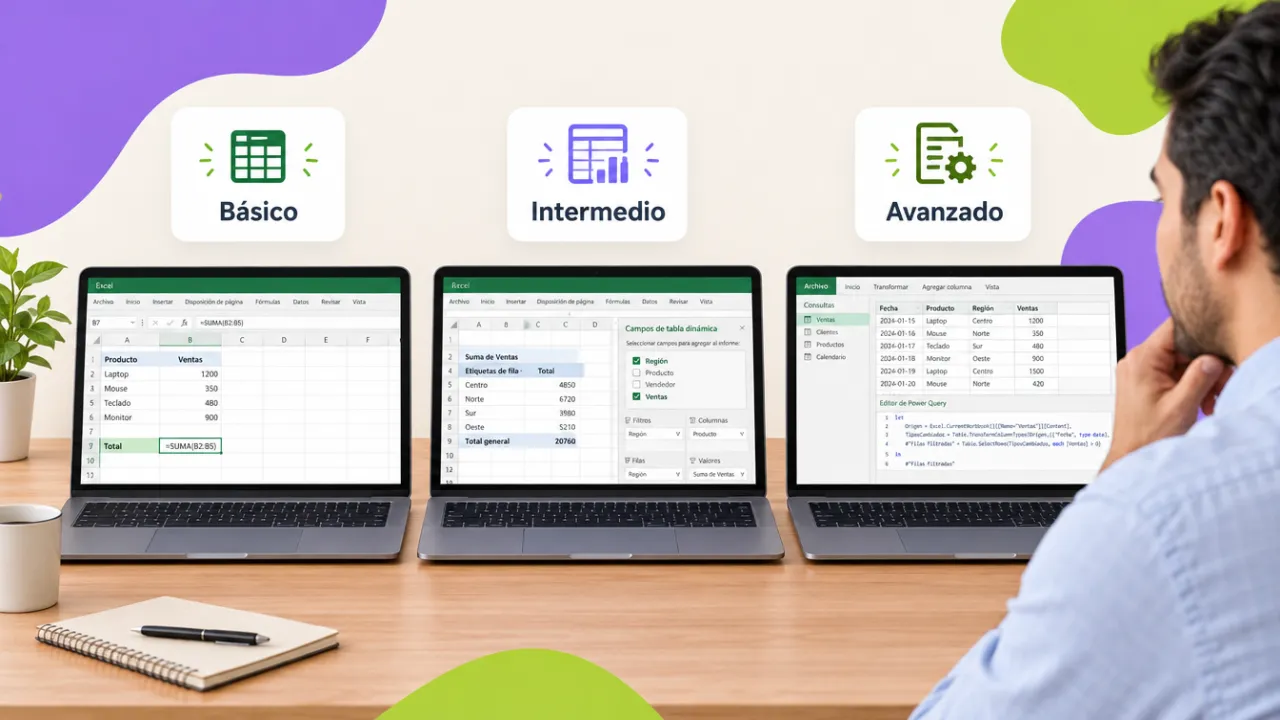
Basic level: organize, calculate and deliver
It is for people who enter, look up or deliver information and still do by hand what a formula solves. It covers the logic of the sheet (relative and absolute references, sheets and workbooks), number, date and currency formats, essential functions (SUM, AVERAGE, COUNT, COUNTIF, SUMIF, IF), tables with filters, simple charts and printing. Typical roles: assistants, reception, warehouse, cashiers, floor supervisors, new hires. The right deliverable is a tidy file from the role with no typed numbers.
Intermediate level: match, validate and summarize
It is for people who already use formulas and filters and lose hours matching lists and building the same summary. It covers lookup functions (XLOOKUP, VLOOKUP, INDEX and MATCH), text and date functions to standardize, data validation with drop-down lists, pivot tables with calculated fields and slicers, pivot charts and sheet protection. Typical roles: analysts, administrative staff, accountants, buyers, HR, sales, logistics, registrar. It is the level most people need and the one most often skipped.
Advanced level: automate
It is for people who consolidate information from several sources every week or month and need the process to be reproducible. It covers Power Query (importing folders, cleaning, appending and merging), dynamic array formulas (FILTER, UNIQUE, SORT, LET), the data model with Power Pivot and simple DAX measures, dashboards with connected slicers and macros recorded and edited in VBA. Typical roles: senior analysts, planning, finance, quality, report owners. It is also the step before Power BI.
Comparison table
| Basic | Intermediate | Advanced | |
|---|---|---|---|
| Question it answers | How do I organize and calculate? | How do I match and summarize? | How do I automate it? |
| Key functions | SUM, IF, COUNTIF | XLOOKUP, INDEX/MATCH, DATEDIF | FILTER, UNIQUE, LET, DAX |
| Tools | Tables, filters, charts | Validation, pivot tables | Power Query, Power Pivot, macros |
| Typical deliverable | Tidy file from the role | Weekly summary with pivot tables | One-click monthly close |
| Recommended duration | 12 h | 16 h | 16 h |
How to place your team in ten minutes
Ask each person to solve three tasks with a real file: (1) compute the total and average of a column with a formula; (2) bring an employee's name from another sheet using their number; (3) summarize sales by month and branch. Whoever cannot solve the first is basic; whoever solves the first but matches the second "by eye" is intermediate; whoever solves all three and also asks how to avoid repeating it every month is advanced. The Excel course for companies includes an eight-question level test that does the same online and lets you request a quote for the recommended level right away.
Three mistakes when hiring an Excel course
- One group with every level. The basics get lost and the advanced ones drift to their email. Diagnosing and splitting takes ten minutes and saves the course.
- A generic syllabus with sample data. If the exercise is "sales of a pet store", nobody applies it on Monday. Ask for the course to use the area's real files.
- Jumping from basic to advanced. Without pivot tables or lookup functions, Power Query and Power Pivot make no sense. Intermediate is not optional.
Want to bring this to your team?
We diagnose each person's level with their own files and set up groups by level, with a DC-3 certificate in each. Message us on WhatsApp, fill out the contact form or open this site's live chat: we send a proposal with three scope options and a closed price in under 24 business hours, with the DC-3 certificate and Geedle Bot included. The full program is at the Excel course in three levels and the catalog at training courses for companies.