Copilot vs ChatGPT for the office: which one fits your tools, budget and data
The most common doubt when a company decides to "start using AI" is which tool to buy. The short answer: Copilot if your company lives in Microsoft 365 and needs the AI to see your documents and emails; ChatGPT (or Gemini) if you want the best writing and general analysis at the lowest cost and can control what data is shared. This comparison goes point by point.
In this article
What each one is, without marketing
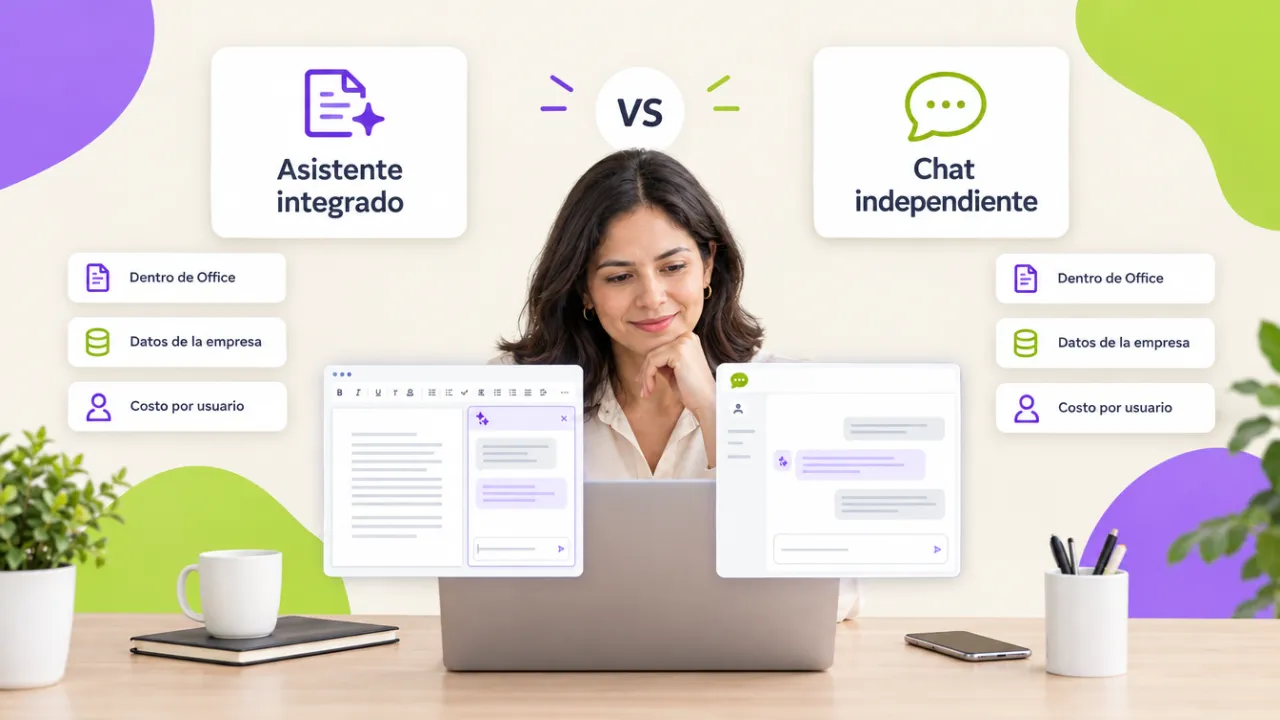
Microsoft 365 Copilot is an AI assistant built into Word, Excel, PowerPoint, Outlook and Teams that can also read your organization's documents, emails and meetings (with the permissions each user already has) to answer with that context. It is purchased as an additional per-user license on top of Microsoft 365.
ChatGPT is a general-purpose AI assistant accessible from the browser or an app, with free, individual and team plans. It is not inside Office; you work by copying and pasting, uploading files or connecting some tools. Google's Gemini is the equivalent for those who live in Google Workspace.
Point-by-point comparison
| Criterion | Microsoft 365 Copilot | ChatGPT |
|---|---|---|
| Office integration | Native in Word, Excel, Outlook, Teams | Copy and paste, upload files |
| Sees company data | Yes, with the user's permissions | Only what you paste or upload |
| Writing and analysis quality | Very good, limited to the Office context | Excellent at general tasks |
| Data protection | Inside the company's Microsoft 365 environment | Depends on the plan; free plans may use data for training |
| Cost | Additional per-user license, the highest | Free to team plan, cheaper |
| Learning curve | Low: it is where you already work | Low, but demands prompt discipline |
| Best for | Administrative teams in Microsoft 365 with many documents | Analysis, writing and varied tasks on a limited budget |
When Copilot makes sense
When the team spends the day in Outlook, Teams and Word and the value is in context: summarizing a 40-email thread, drafting the minutes of the meeting that just ended, finding "the proposal we sent that client in March". Copilot does it because it sees your organization; ChatGPT cannot. If legal also requires that data never leave the Microsoft 365 environment, the decision is made.
When ChatGPT (or Gemini) makes sense
When the work is writing, analyzing, translating, coding or thinking out loud with information you can paste without risk, and when the budget does not cover Copilot licenses for everyone. A team plan with data excluded from training solves most office uses, as long as there is a usage policy that says what may and may not be shared.
The real answer: both, by profile
Most mid-size companies end up with Copilot for roles that live in emails and documents (assistants, managers, sales) and ChatGPT or Gemini on a team plan for analysts, marketing and whoever needs general analysis. What does not work is buying licenses without training: the difference between a user who "asks it things" and one who gets useful results is prompt technique and verification habits, not the tool.
Before deciding: three questions
- Where is the data the AI needs to see? If in Microsoft 365, Copilot; if in Google Workspace, Gemini; if in in-house systems, either one with copy and paste.
- What does legal or the client require about confidentiality? Define the plan and settings before the tool.
- Who will train the team? Without a course or a policy, either one turns into uncontrolled personal accounts.
The generative AI and Copilot for the office course works with the tool your organization already has (or both) and leaves a prompt library per area and the usage policy.
Want to bring this to your team?
We work with Copilot, ChatGPT or Gemini depending on what your organization already has, and leave the usage policy ready to approve. Message us on WhatsApp, fill out the contact form or open this site's live chat: we send a proposal with three scope options and a closed price in under 24 business hours, with the DC-3 certificate and Geedle Bot included. The full program is at the generative AI and Copilot for the office course and the catalog at training courses for companies.