How to use AI in the classroom without losing rigor: five uses that work and three to avoid
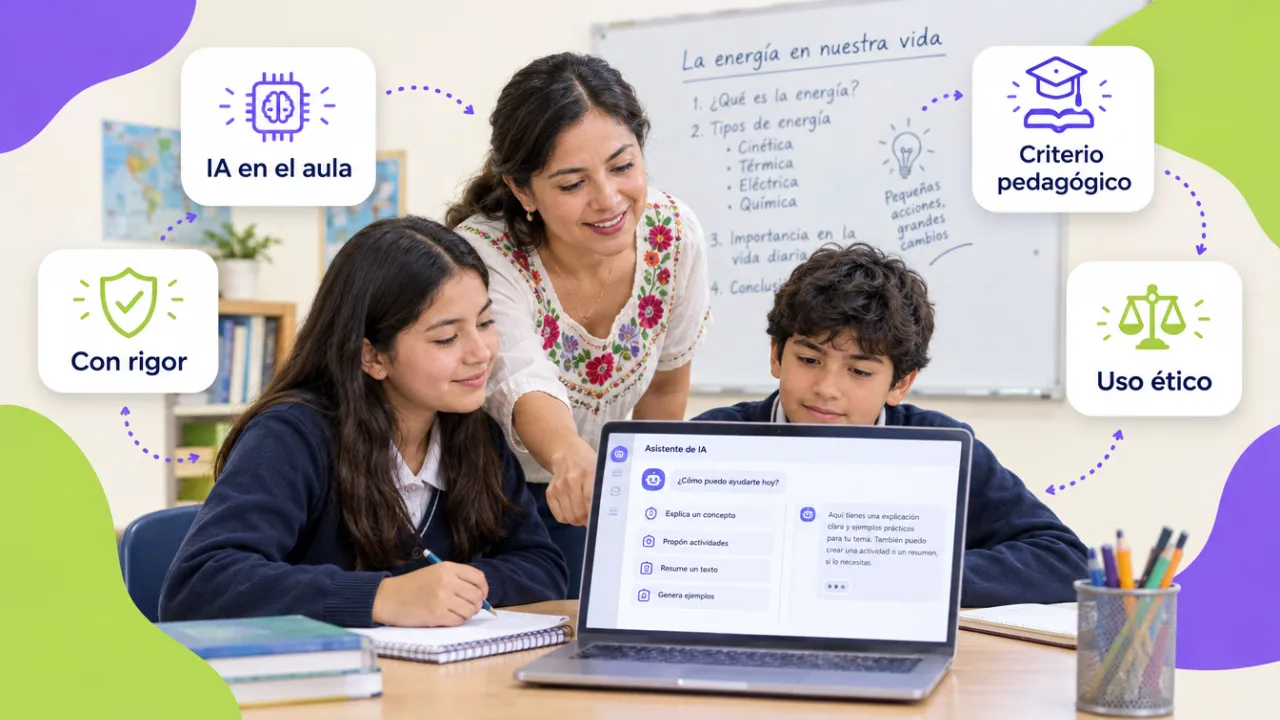
Most teachers' question is no longer whether to use artificial intelligence, but how to do it without the class losing rigor or the student ceasing to think. After training thousands of university and high-school teachers, these are the five uses that truly save time without lowering the bar, and the three that end badly.
In this article
- First: AI is for the teacher before it is for the student
- Use 1. Plan a lesson sequence in minutes
- Use 2. Design rubrics and assessment criteria
- Use 3. More frequent formative feedback
- Use 4. Differentiate materials for different levels
- Use 5. Teach verification
- Three uses worth avoiding
- A usage policy per subject, in five lines
- Want to bring this to your team?
First: AI is for the teacher before it is for the student
The biggest time saving and the lowest risk are on the teacher's side: planning, preparing materials, designing rubrics, writing feedback. Student use has its place too, but it needs clear rules and assessments designed for it (here we explain how). This guide starts with what the teacher controls.
Use 1. Plan a lesson sequence in minutes
Give the AI the learning objective, the level, the time available and what students already know, and ask for three sequence proposals with activities, timing and materials. What you get is not the final plan: it is a draft you correct with what you know about your group. Rigor holds because the objective and criteria are still yours.
Use 2. Design rubrics and assessment criteria
Rubrics are the use with the best time-to-quality ratio. Describe the task and the performance levels you expect and ask for a four-level analytic rubric; then adjust the descriptors with real examples from your students' work. A clear rubric is also the basis for assessments the AI cannot do for the student.
Use 3. More frequent formative feedback
The bottleneck of feedback is time. With the rubric as context, AI helps draft specific comments on a draft (what is good, what is missing, what to do next), which the teacher reviews and signs. It does not replace the teacher's reading; it allows feedback on the draft, not only on the final version.
Use 4. Differentiate materials for different levels
The same text at three reading levels, the same problem with different scaffolding, a glossary for students with another first language: AI produces the variants in minutes. It is the use teachers with heterogeneous groups appreciate most and the one that connects with Universal Design for Learning.
Use 5. Teach verification
Asking students to use AI to generate an answer and then verify it with sources, find the error and explain it turns the tool into an object of critical thinking. It is the student use with the most formative value and the least risk.
Three uses worth avoiding
- Grading with AI without reading. AI can help draft comments, not decide the grade. A model does not know the student or the process, and it can also make things up.
- Uploading work with personal data to open tools. Names, student IDs and minors' texts in a free account are a data-protection problem. Anonymize first, or use tools under an institutional agreement.
- Banning without an alternative. A total ban is not followed and loses the chance to teach judicious use. Better a usage policy per subject: what is allowed, what is not, and how it is declared.
A usage policy per subject, in five lines
| Element | Example |
|---|---|
| Allowed uses | Brainstorming, style correction, concept explanation |
| Not allowed | Submitting generated text as your own; solving exams |
| How it is declared | Note at the end of the work: which tool, for what |
| Data not to be shared | Names, student IDs, health data, other people's work |
| Consequence | Same as any other academic-integrity breach |
In the AI in education course each teacher leaves with their lesson plans and rubrics redesigned and the institution with its usage policy; for full update programs, we chain it with teacher training.
Want to bring this to your team?
We train entire faculties by cohorts, with their own subjects and an institutional AI usage policy. Message us on WhatsApp, fill out the contact form or open this site's live chat: we send a proposal with three scope options and a closed price in under 24 business hours, with the DC-3 certificate and Geedle Bot included. The full program is at the AI in education course and the catalog at training courses for companies.