Meta Pixel Saltar al contenido
Logo Geedle
Technical skills courses

Moodle beginner course for companies

A Moodle beginner course for people who have never managed a course on the platform or have been doing it by trial and error: teachers, in-house trainers, HR coordinators and support staff. In 12 hours you build a real course for your organization, from the first resource to the first grade, with guided exercises and a DC-3 certificate filed with Mexico's STPS.

Moodle beginner course

What is the Moodle beginner course?

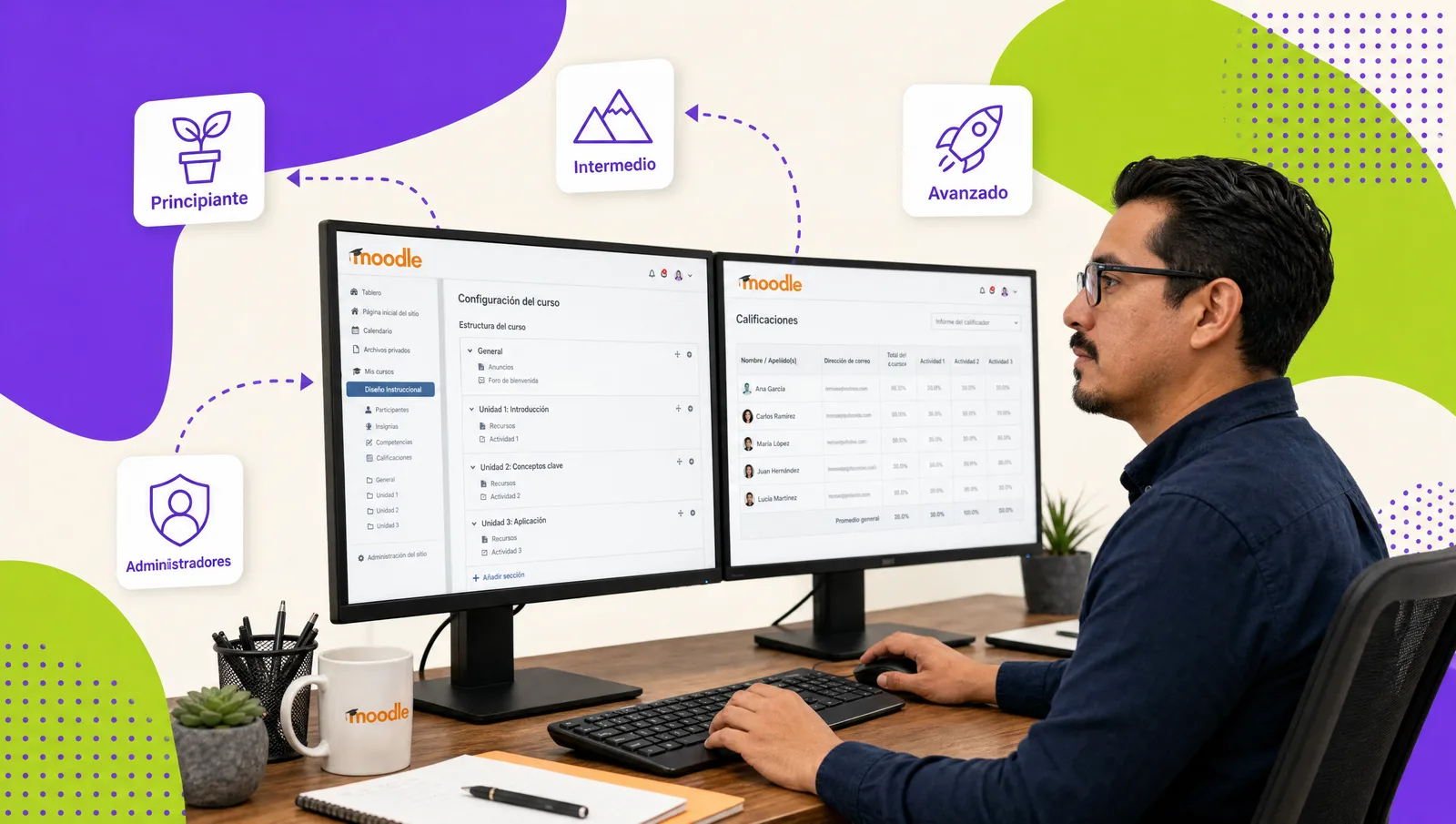
It is a 12-hour program that takes you from zero to publishing a working course in Moodle 4.x or 5.x: section structure, resources (files, pages, links), basic activities (assignment, forum, quiz), participant enrollment and an initial gradebook. It runs live virtual, on-site or self-paced, includes a DC-3 certificate, and requires no prior experience.

Course sheet

The essentials at a glance.

Duration

12 hours

Formats

Live virtual · On-site · Self-paced

Certificate

DC-3 · STPS

AI agent

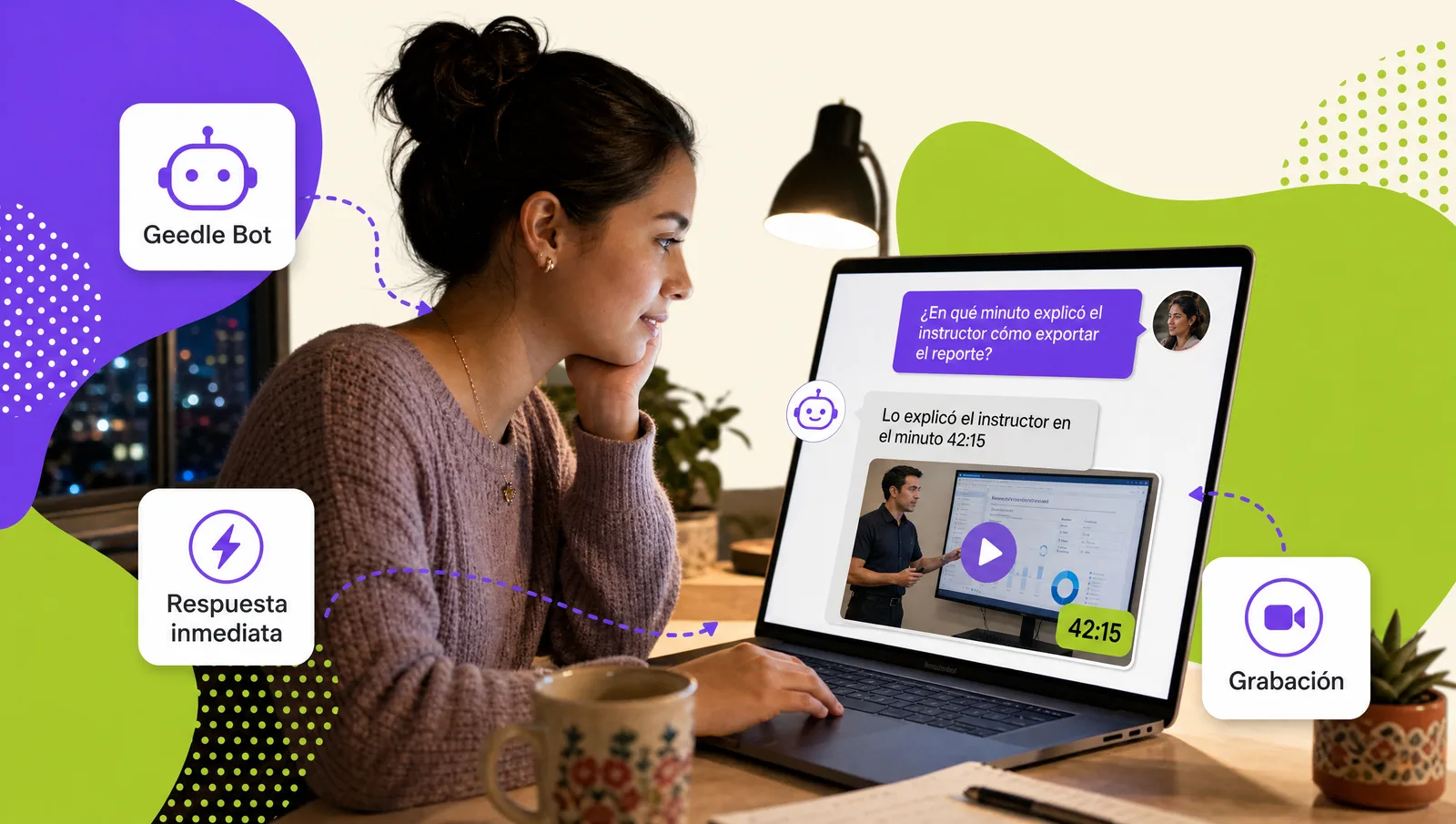
Geedle Bot answers questions 24/7 with the exact minute of the recording

What your team will be able to do

Learning objectives observable on the job.

  • Understand the Moodle environment

    Navigate the dashboard, My courses, the personal area and the structure of a course in Moodle 4.x and 5.x.

  • Build the content

    Create sections and add files, pages, folders, links and text blocks with the text editor.

  • Set up basic activities

    Create assignments, forums and quizzes with due dates, attempts and feedback.

  • Enroll and grade

    Enroll participants, review submissions and use the gradebook in its initial setup.

Syllabus

Course syllabus

Six modules; each one leaves a deliverable you can apply in your operation.

  1. First steps in Moodle

    What Moodle is, versions 4.x and 5.x, teacher and student roles, navigation, profile and preferences.

    Configured profile
  2. Course structure

    General settings, course formats (topics, weekly, single activity), sections, visibility and blocks.

    Course skeleton
  3. Resources and content

    Files, folders, pages, URLs, book and text blocks; text editor, images and embedded video.

    Section with resources
  4. Activities: assignment and forum

    Submission types, due dates, announcement and discussion forums, subscription and moderation.

    Published assignment and forum
  5. Basic quizzes

    Question bank, question types, attempt settings, time limit and feedback.

    10-question quiz
  6. Participants and grades

    Enrollment methods, basic groups, grading assignments and the gradebook view.

    Course ready to publish
01

Who is this course for?

Teachers, in-house instructors, HR and training staff, and support teams who will receive a teacher or course-creator role in their organization's Moodle. You do not need to code or to have used Moodle before; a browser and a clear idea of the content you want to deliver are enough.

02

What changes after the course?

Every participant finishes with a published Moodle course: organized resources, at least one assignment and one quiz configured, enrolled participants and visible grades. Teachers stop depending on the support team for basic tasks, and the organization starts getting value from the platform it already has.

Want this course at your company?

Request the proposal for the moodle beginner course: three scope options with a closed price in under 24 business hours.

Participant asking Geedle Bot on a laptop at night; the agent replies with minute 42:15 of the course recording
Artificial intelligence

An AI agent supports every participant during and after the course

Geedle Bot is trained on the syllabus, materials and recordings of your course. Participants ask in plain language and get an exact answer, not a generic one.

  • Knows every detail of the course: dates, syllabus, deliverables and certificate criteria
  • Solves problems in real time, at any hour, from Moodle, WhatsApp, Teams or Slack
  • Delivers the exact minute and second of the recording where the instructor explained the topic
  • Reinforces what was covered with summaries and review questions, and escalates to the instructor when needed
  • Shows HR which topics raise the most questions so the course can be adjusted

Which format suits each course?

All of them issue a DC-3 certificate and leave records on the platform; what changes is how people practice and how the calendar is organized.

Live virtualOn-site at your companySelf-paced on the platform
Ideal forTeams across several sites or remoteHands-on practice, team dynamics and brigadesRotating shifts and large workforces
InteractionLive instructor, breakout rooms and real casesInstructor in the room, role-plays and practice with equipmentMicrolessons, challenges and automatic assessments
Typical duration2-to-4-hour sessions on different days4-to-8-hour days2 to 4 weeks at your own pace
RecordsAttendance, participation and assessment on the platformRoster, assessment and photo evidenceProgress, grades and time on the platform
Questions between sessionsGeedle Bot 24/7Geedle Bot 24/7Geedle Bot 24/7
CertificateDC-3 with the STPSDC-3 with the STPSDC-3 with the STPS
FAQ

Frequently asked questions about the moodle beginner course

Get a quote for this course for your team

Tell us how many people, in which city and in which format. We reply the same day, free and with no commitment.